A/V CINEMA SCALER PRO - CONFIGURATIO
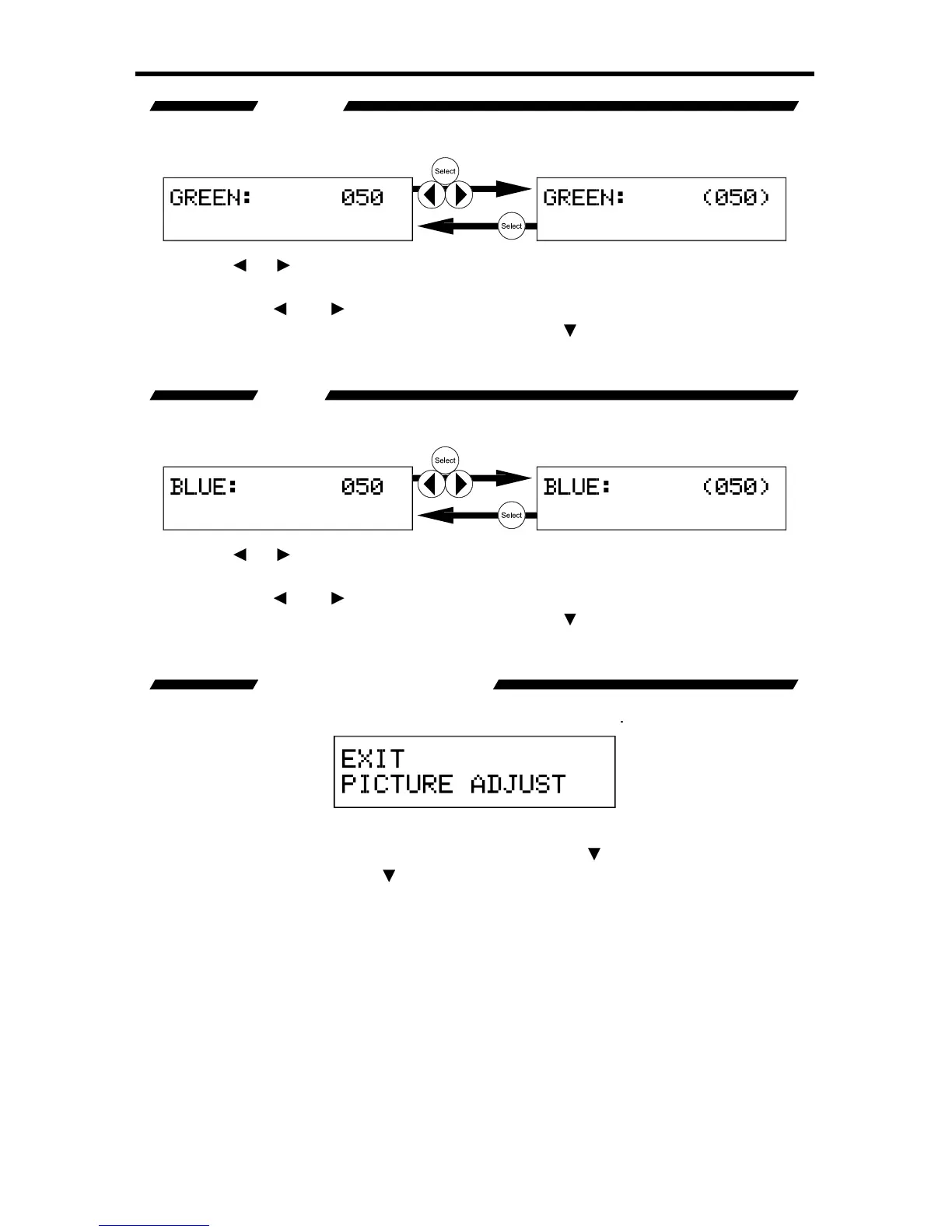
This option will set the amount o
reen in the output video si
haracter will surround the numerical value to si
omplete, press the Select button to save.
xt
option. Use the ▲ option to return to the previous option.
This option will set the amount o
blue in the output video si
haracter will surround the numerical value to si
omplete, press the Select button to save.
xt
option. Use the ▲ option to return to the previous option.
This option will return the user to the
This option will return the user to the
ain
Features Menu press the Select button. Pressin
button to select the next option. Use the
option
to return to the previous option.














 To Next Page