EasyManua.ls Logo

Gefen EXT-AVCINEMAAA - Picture Adjustment: Brightness, Hue, Saturation; Brightness, Hue, and Saturation Adjustments

Gefen EXT-AVCINEMAAA
60 pages
Print Icon
To Next Page IconTo Next Page
To Previous Page IconTo Previous Page
Loading...
24
A/V CINEMA SCALER PRO - CONFIGURATIO
N
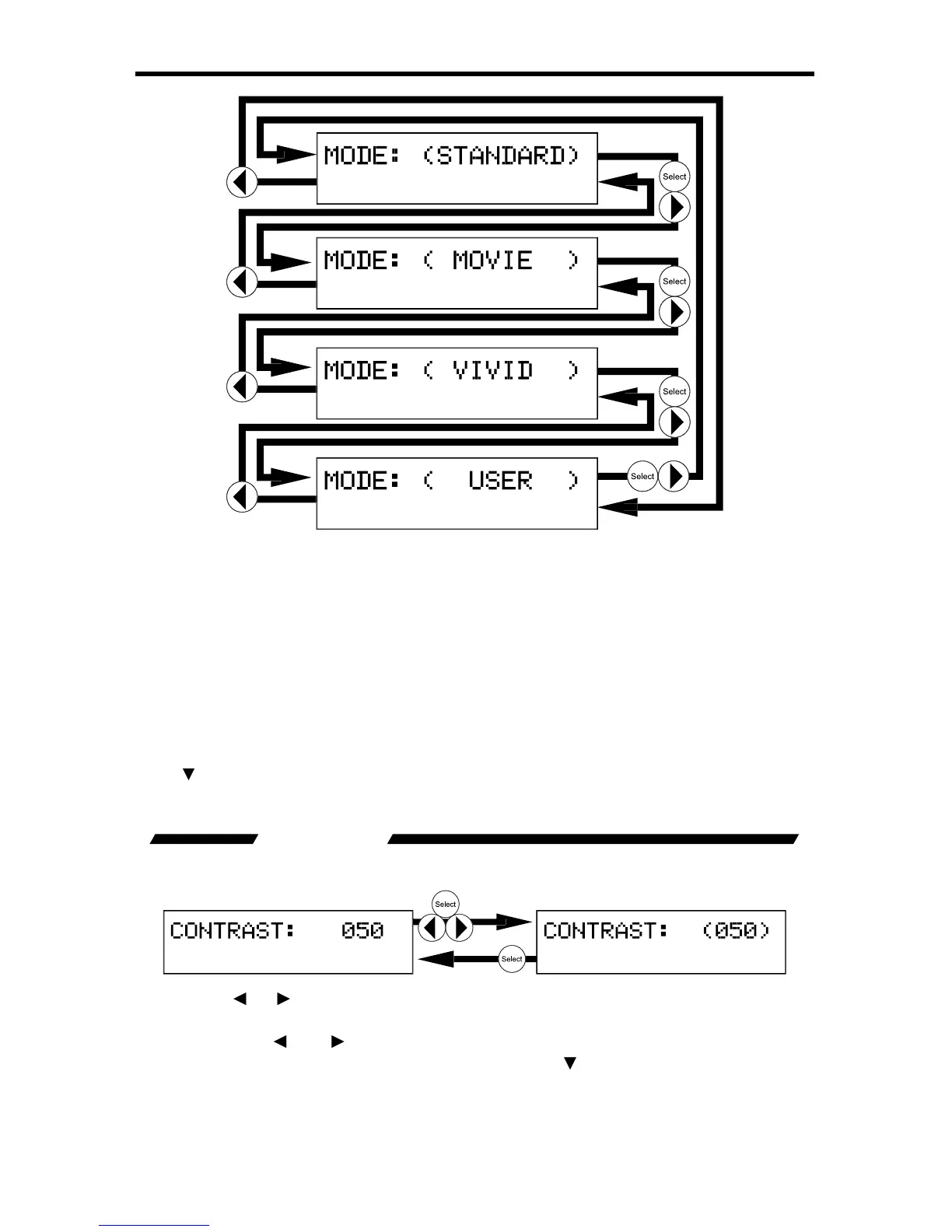
The preset modes are listed below
:
Standard Useful for
g
eneral content
M
ovi
e
Use
f
ul
f
or diml
y
lit environments
V
ivid Use
f
ul
f
or accentuatin
g
colors
f
or a more vibrant ima
ge
U
se
r
User con gured settings
r
O
nce the
U
ser mode is selected, additional options will become available. Use
th
e
button to select the next option. Use the
option to return to the previous
option.
CONTRAST
This option will set the contrast level
f
or the output video si
g
nal.
Pr
ess
th
e
or
or
Select buttons to be
g
in ad
j
ustin
g
this option. A < and >
c
haracter will surround the numerical value to si
g
ni
fy
that user ad
j
ustment can
be
g
in. Use the
a
n
d
to ad
j
ust the value o
f
this option. When ad
j
ustments are
c
omplete, press the Select button to save.
U
se the
bu
tt
o
n t
o
se
l
ec
t th
e
n
e
xt
option. Use the
option to return to the previous option.

Table of Contents

Related product manuals