A/V CINEMA SCALER PRO - CONFIGURATIO
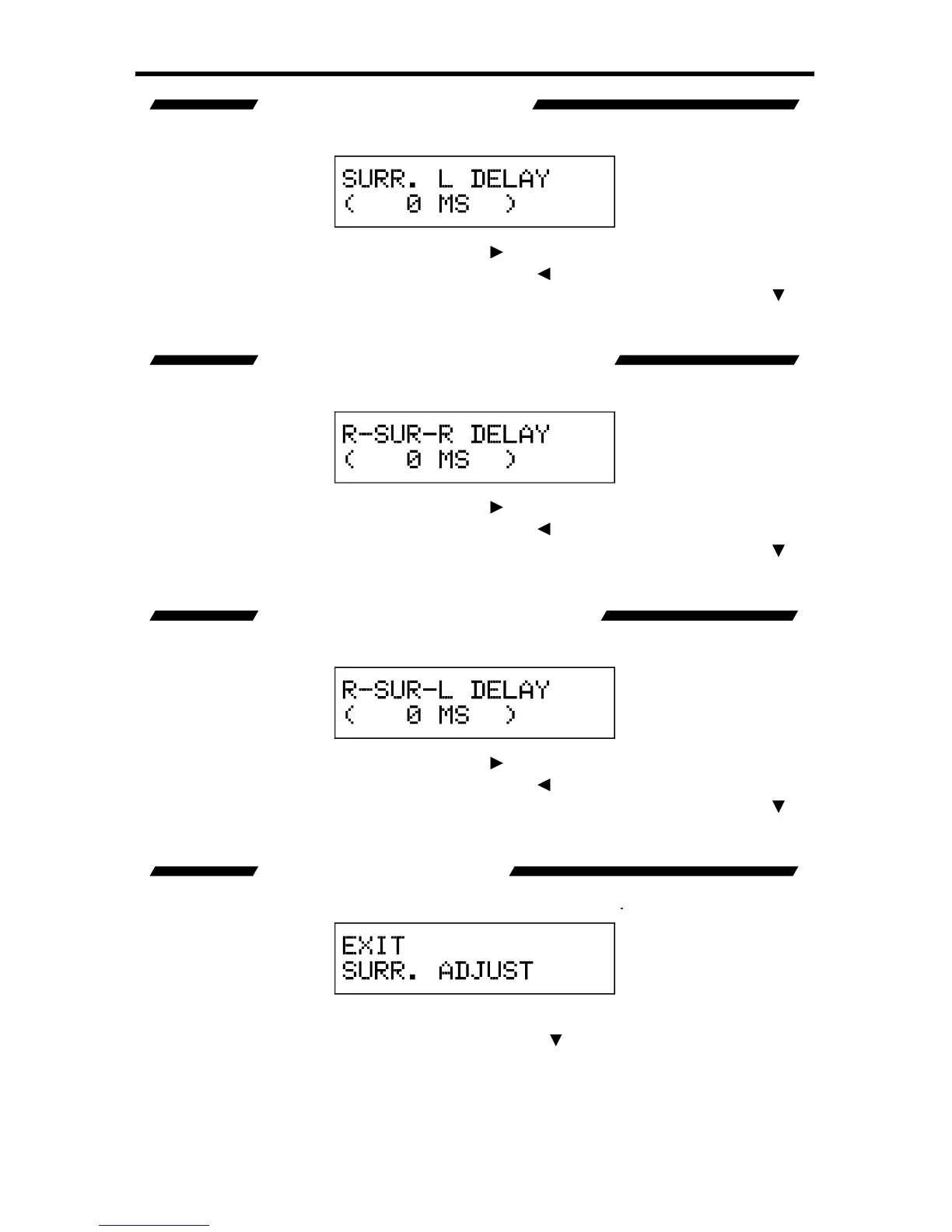
This option will set the surround dela
t channel.
When this option is selected, pressin
5 millisecond increments. Pressin
button will reduce the dela
5 milliseconds. The maximum dela
available is 150 milliseconds. Use the
button to select the next option. Use the
option to return to the previous option.
REAR SURROUND RIGHT DELAY
This option will set the surround dela
ht channel.
When this option is selected, pressin
5 millisecond increments. Pressin
button will reduce the dela
5 milliseconds. The maximum dela
available is 150 milliseconds. Use the
button to select the next option. Use the
option to return to the previous option.
This option will set the surround dela
t channel.
When this option is selected, pressin
5 millisecond increments. Pressin
button will reduce the dela
5 milliseconds. The maximum dela
available is 150 milliseconds. Use the
button to select the next option. Use the
option to return to the previous option.
This option will return the user to the
This option will return the user to the
ain
Features Menu press the Select button.
option to return to the previous option.














 To Next Page