EasyManua.ls Logo

Gefen EXT-AVCINEMAAA - Rear Surround Delay and Exit; Rear Surround Right and Left Delay; Exit Surround Adjust Menu

Gefen EXT-AVCINEMAAA
60 pages
Print Icon
To Next Page IconTo Next Page
To Previous Page IconTo Previous Page
Loading...
34
A/V CINEMA SCALER PRO - CONFIGURATIO
N
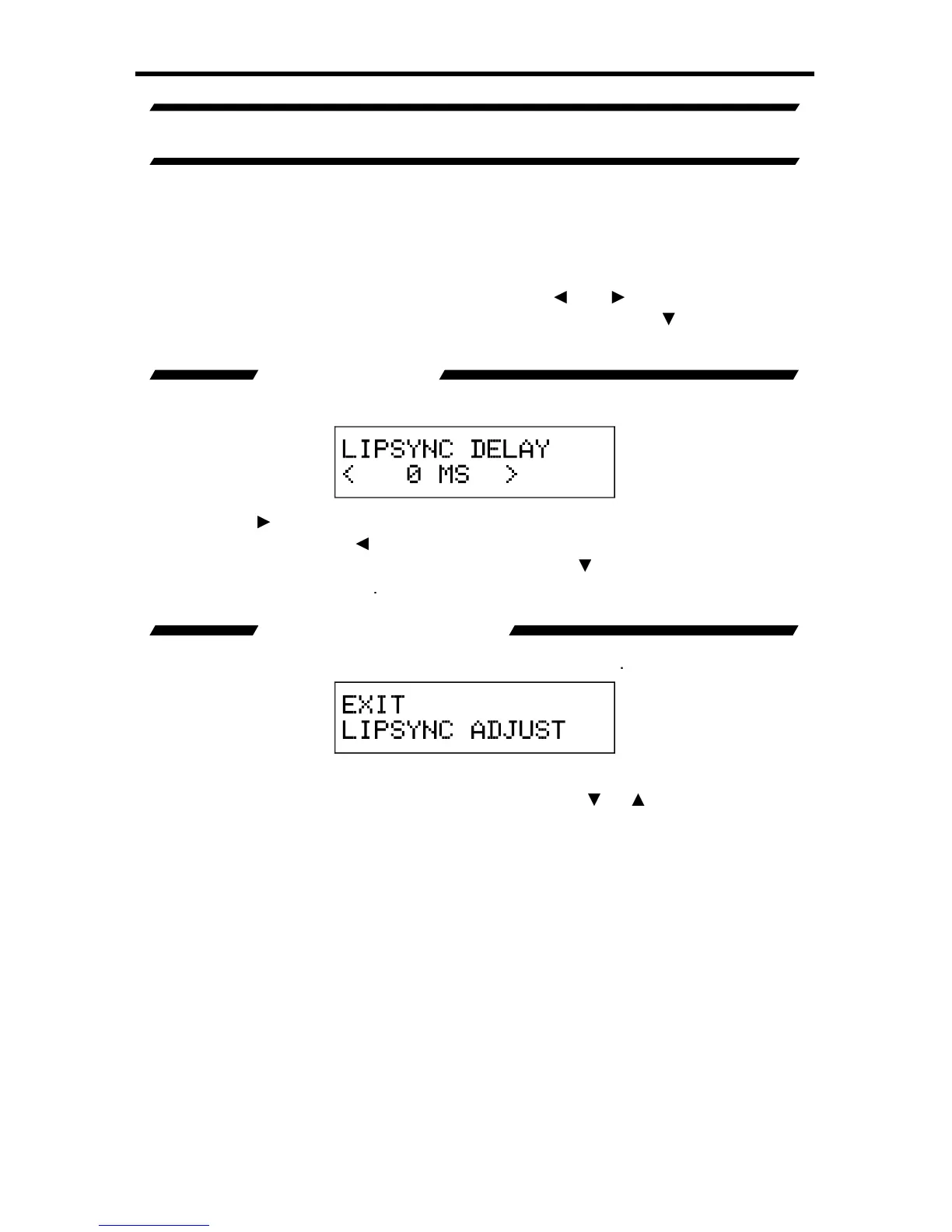
A/V CINEMA SCALER PRO - LIPSYNC DELAY ADJUS
T
Th
e
L
ips
y
nc Dela
y
Ad
j
ust menu will allow the user to appl
y
a lip s
y
nc dela
y
that
is use
f
ul
f
or correctin
g
errors in s
y
nchronization between the audio and video.
This dela
y
has a maximum correction time o
f
80 milliseconds. Each input can
h
ave a separate lip s
y
nc ad
j
ustment value. This ad
j
ustment will not a
ff
ect audio
dela
y
when in the B
y
pass Mode.
T
o
e
nt
e
r th
e
L
ips
y
nc Dela
y
Ad
j
ust
me
n
u
use
th
e
a
n
d
bu
tt
o
n
s
f
r
o
m th
e
M
ain Features Menu t
o
se
l
ec
t
L
ips
y
nc Dela
y
Ad
j
us
t
.
U
se the
or
Select
button to enter the menu. There is onl
y
one option in this menu.
LIPSYNC DELAY
This option will set the lip s
y
nc dela
y
f
or the currentl
y
selected input.
Pressin
g
the
or
Select buttons will advance the dela
y
b
y
5 millisecond
increments. Pressin
g
the
button will reduce the dela
y
b
y
5 milliseconds. The
maximum dela
y
available is 80 milliseconds. Use the
or
bu
tt
o
n t
o
se
l
ec
t th
e
E
xit LipS
y
nc Ad
j
ust optio
n
.
EXIT LIPSYNC ADJUST
This option will return the user to the
M
ain Features Menu
.
This option will return the user to the
M
ain Features Menu
.
T
o
r
e
t
u
rn t
o
th
e
M
ain
Features Menu press the Select button. Pressin

g
the
or
bu
tt
o
n will r
e
t
u
rn
th
e
use
r t
o
th
e
L
ipS
y
nc Dela
y
option.

Table of Contents

Related product manuals