EasyManua.ls Logo

Gefen EXT-AVCINEMAAA - OSD Timeout, Background, and Exit; OSD Timeout and Background Opacity; Exit OSD Adjust Menu

Gefen EXT-AVCINEMAAA
60 pages
Print Icon
To Next Page IconTo Next Page
To Previous Page IconTo Previous Page
Loading...
38
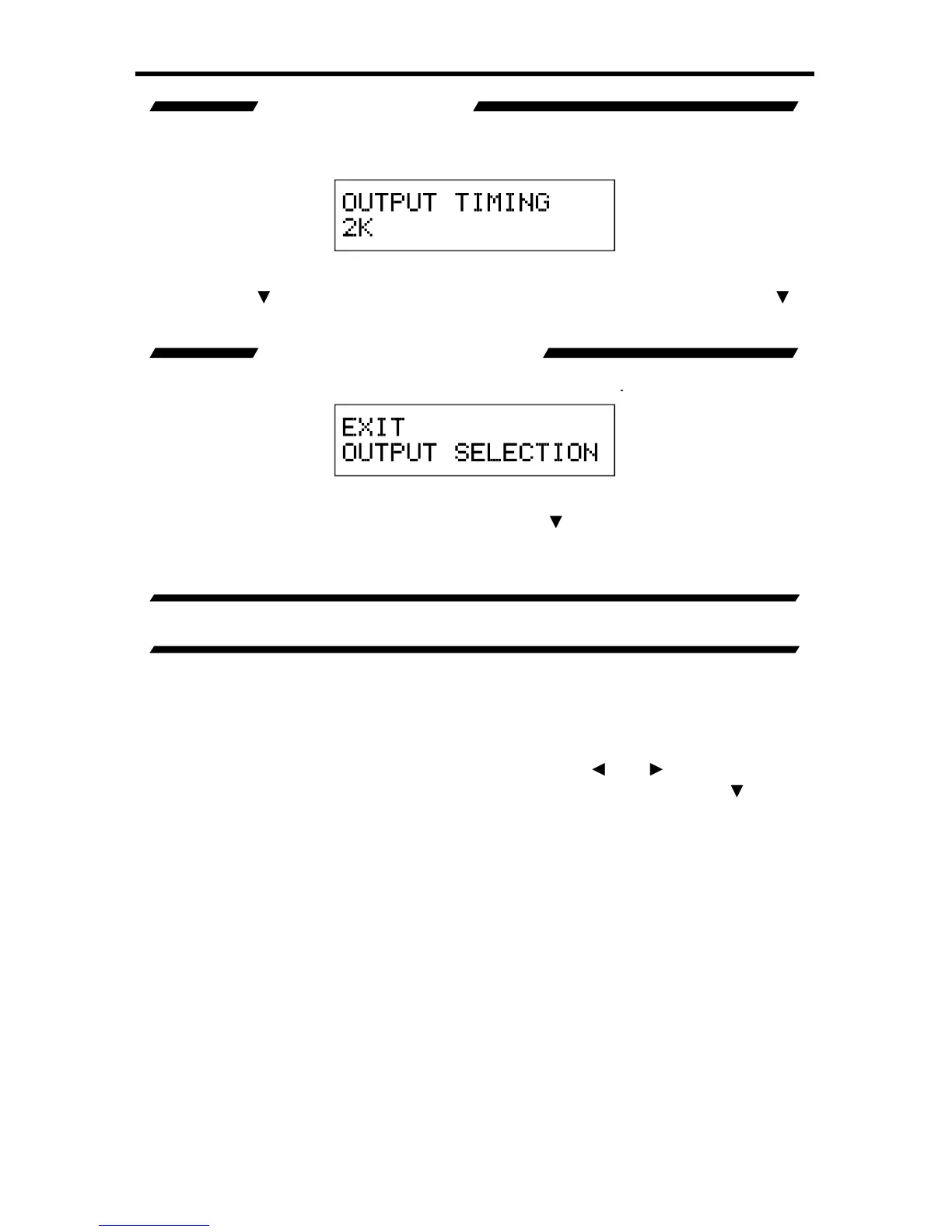
OUTPUT TIMING 2K
This option will chan
g
e the output resolution to a pro
g
ressive 2048x1080 at 60Hz
s
i
g
nal. All input
f
ormats will be scaled to this resolution.
Pr
ess
th
e
Select button to set this resolution. The chan
g
e will be immediate.
Pressin
g
the
button will c
y
cle to the
E
xit Out
p
ut Selection option.
U
se the
button to select the next option. Use the
option to return to the previous option.
EXIT OUTPUT SELECTION
This option will return the user to the
M
ain Features Menu
.
This option will return the user to the
M
ain Features Menu
.
T
o
r
e
t
u
rn t
o
th
e
M
ain
Features Menu press the Select button.
U
se the
bu
tt
o
n t
o
se
l
ec
t th
e
n
e
xt
option. Use the
option to return to the previous option.
A/V CINEMA SCALER PRO - ON SCREEN DISPLAY ADJUS
T
Th
e
On Screen Displa
y
Ad
j
ust menu will allow the user to set options related
to the on-screen displa
y
. Horizontal and vertical ali
g
nment, opacit
y
, and time-out
s
ettin
g
s are
f
ound here.
T
o
e
nt
e
r th
e
On Screen Displa
y
Ad
j
ust
me
n
u
use
th
e
a
n
d
bu
tt
o
n
s
f
r
o
m
th
e
M
ain Features Menu t
o
se
l
ec
t On Screen Displa
y
Ad
j
us
t
.
U
se the
or
Select button to enter the menu. The
f
ollowin
g
pa
g
e illustrates all possible
options that are available in the On Screen Displa
y
Ad
j
ust
menu
.
A/V CINEMA SCALER PRO - CONFIGURATIO

N

Table of Contents

Related product manuals