A/V CINEMA SCALER PRO - CONFIGURATIO
button to select the next option. Use the
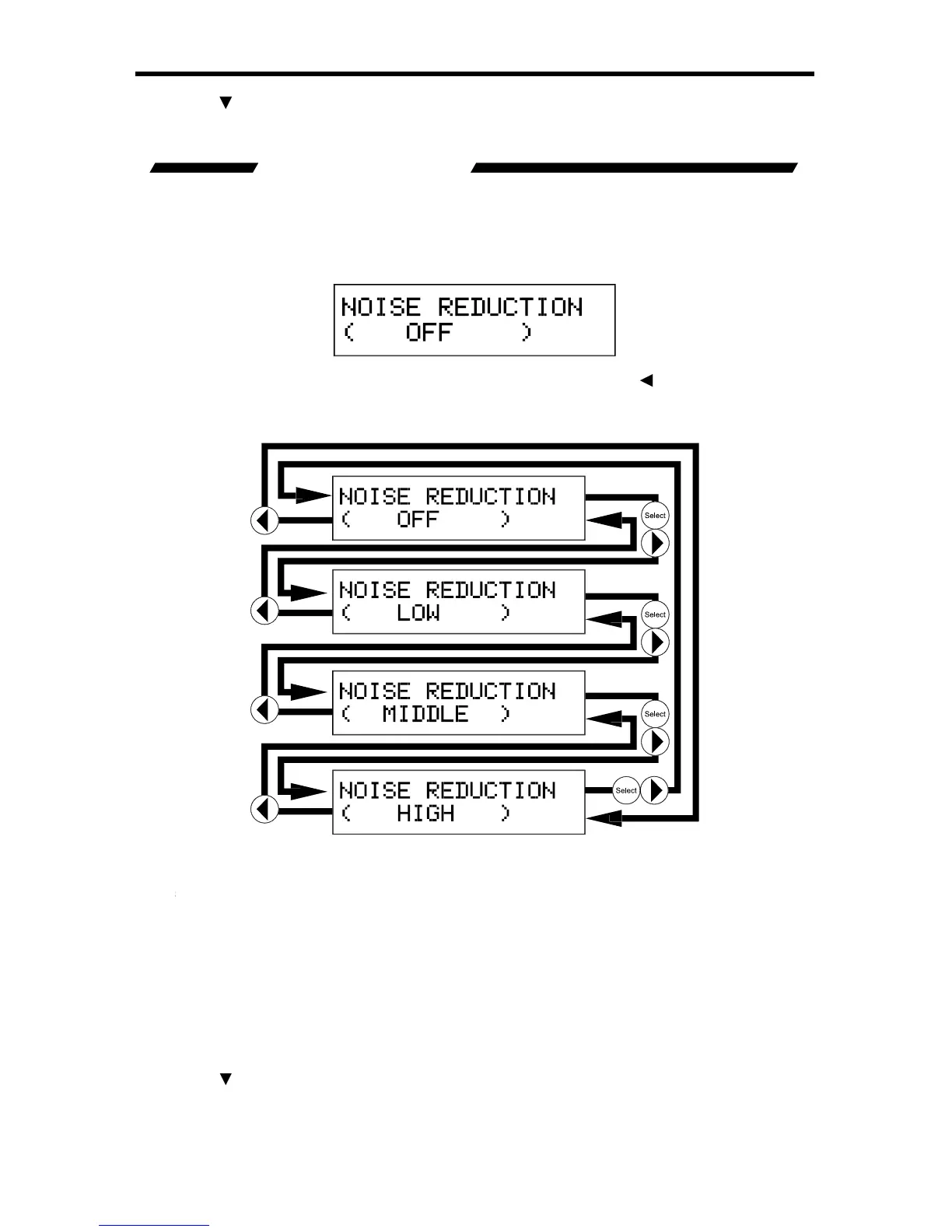
This option will allow the user to appl
lter to the component
video input sources. This option will onl
be available when the input source
is component video. The noise reduction
lter reduces noise that commonl
video sources. There are 4 settin
cle between the noise reduction settin
or Select
buttons. The chan
e will be immediate and no other buttons need to be pressed
to con
e. The aspect ratio modes and c
cle order are listed below.
Th
Low level video noise reduction is applie
h level video noise reduction
button to select the next option. Use the














 To Next Page