10
WI1089 GEM-P801 Installation Instructions
1. Enter
A 8
2. Enter User 1 Code (
1 2 3 4
)
(Default)
3. Press
J
While in User Program Mode the Armed, Status
and
H
System Trouble LEDs will continue to
flash, follow the example below to program
User 2’s
code to
1923.
User Mode Programming Example:
1. Press
2
, Zone 2 LED will Flash
2. Enter
1 9 2 3
, Zone 2
LED will continue to flash until the 4th digit
is entered. The keypad will beep 4 times
confirming a valid entry (Zone LED steady).
Deleting a User Code
Press the number of the User to be deleted, the
zone LED will be flashing indicating that the
user has been selected. Press the
F
key,
the LED associated with the user will now be
OFF.
Exiting User Program Mode
To exit User Program Mode press the
C
key.
GEM-P801 Commands
User Commands
A 1
Bell Test
Enter this command to turn on the Bell, keypad
sounder and keypad LEDs for 2 seconds. The
battery is tested during a Bell Test, and
automatically every *24 hours to ensure proper
battery operation under load. The Alarm output
requires a battery in order to supply the
specified output. If the battery cannot sustain
the load, a low battery indication will be
displayed. A battery test is also performed on
power-up after a 3 minute delay.
*A battery test occurs every 4 hours when
Household Fire [96-3] has been selected.
D Easy Arm
Press this key to arm the panel. To disarm the
panel a valid Arm/Disarm code must be entered.
Requires Easy Exit/Easy Arm [21-2] to be
enabled.
E
Interior
Enter this command to bypass all Exit/Entry
Follower Zones or Home/Away Zones (only if the
system is programmed exclusively for Home/
Away with Delay zones).
F
Instant
Enter this command before or after arming to
remove the entry delay on Entry/Exit Zones. The
keypad ARMED LED will flicker rapidly. Faulting
a Exit/Entry Zone will result in an immediate
alarm.
A 5
Chime ON/OFF
Enter this command to turn chime ON/OFF. The
Keypad will chime on any zone that has not
been
selected as an Exit/Entry Follower Zone, Home/
Away with Delay Zones, or 24 Hour Zone.
A 8
+ User 1 Code - User Program
Mode
A 9
Keypad Sleep Mode ON/OFF
ARMED
,
STATUS AND
H
SYSTEM TROUBLE
LED’s
WILL FLASH
.
ARMED
H
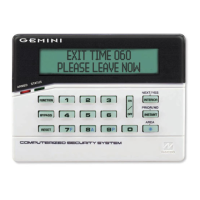
GEMINI
STATUS
1
A 1 is displayed indicating
User 1 Code is programmed
and 2-8 are blank.
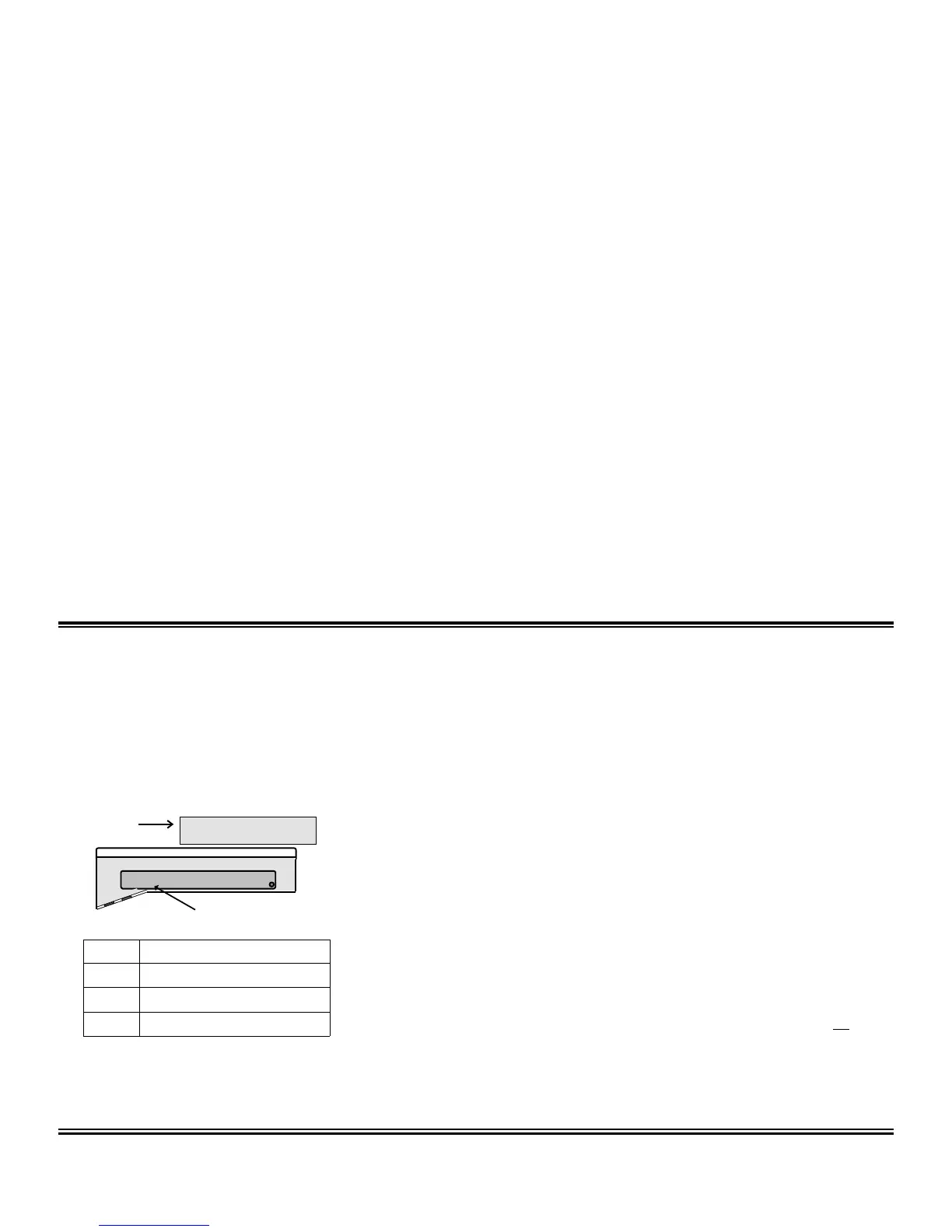
Zone LED Meaning
OFF
User Arm/Disarm Code not programmed
Flashing
User Arm/Code is currently being programmed
Steady
User Arm/Disarm Code has been programmed
TABLE
5
Z
ONE
L
ED
D
EFINITION
-U
SER
P
ROGRAM
M
ODE


 To Next Page