上海鲍麦克斯电子科技有限公司 AS系列数控交流伺服系统说明书
5
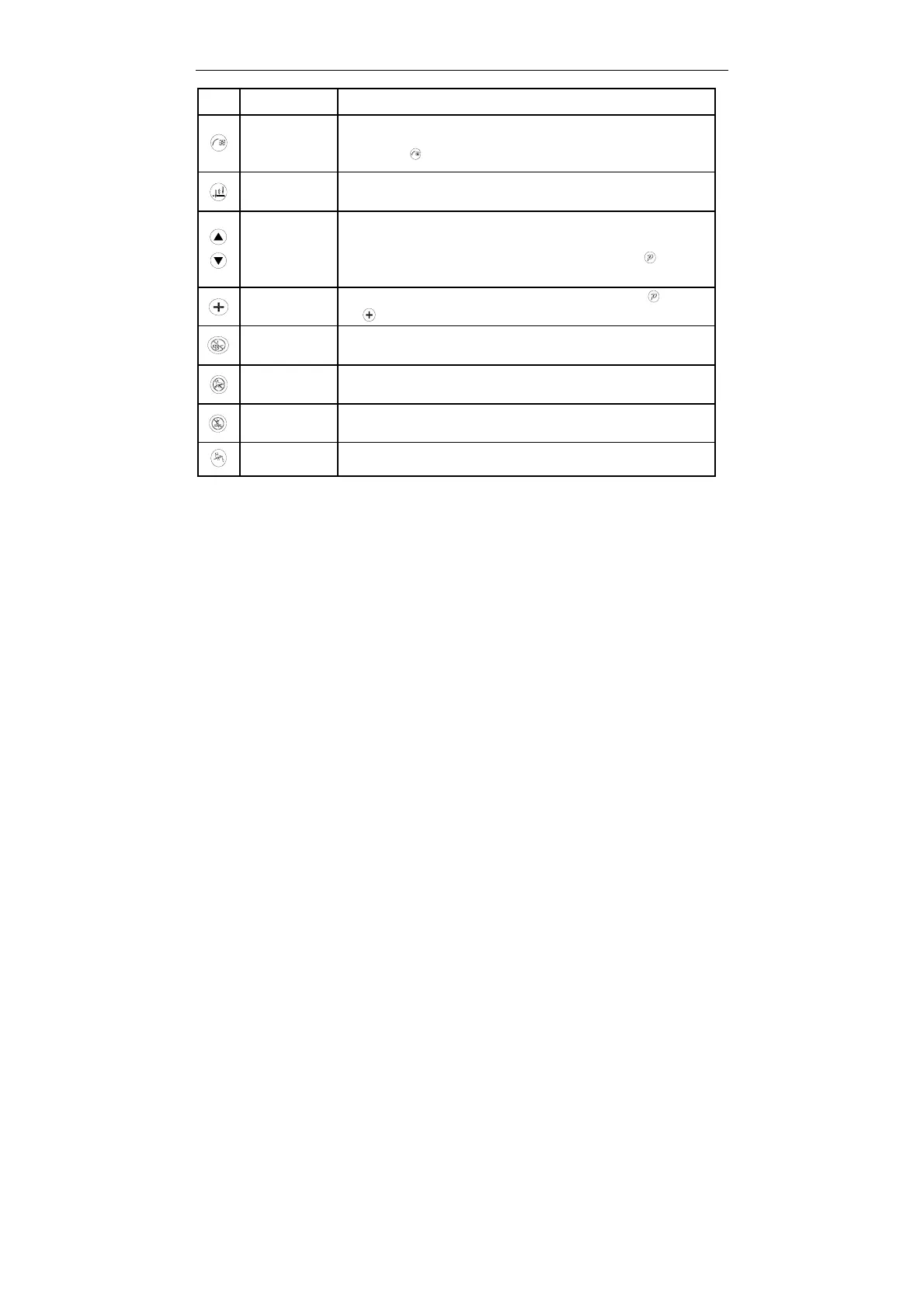
Key Name Description
Soft start
setting key/
LED lamp
Soft start at the first seam is enabled (icon on) or disabled.
Long press key, adjustable LED lamp the third gear of brightness
Needle
position key
The sewing halfway function is stop that the system of up/down needle
stop position selection
Increasing
and
decreasing
motor speed
Under the multi-slit mode, It can be quickly set up temporary speed
governor. Furthermore, when the parameter settings, a single press
the key, the corresponding parameter number increases. key+ the
key, the corresponding parameters number decreasing.
parameters
Increase key
Adjust the corresponding increase in the value of the key. key+
the key, the corresponding value decreases
Automatic
trimming
Automatic trimming mode is enabled (icon on) or disabled.
After a half
step key
After a half step function is enabled (icon on) or disabled.
Thread
sweeping key
Thread sweeping function is enabled (icon on) or disabled.
STOP
Start sewing Start sewing function is enabled (icon on) or disabled.



 To Next Page