上海鲍麦克斯电子科技有限公司 AS系列数控交流伺服系统说明书
6
3 System parameter setting
3.1 Parameter mode
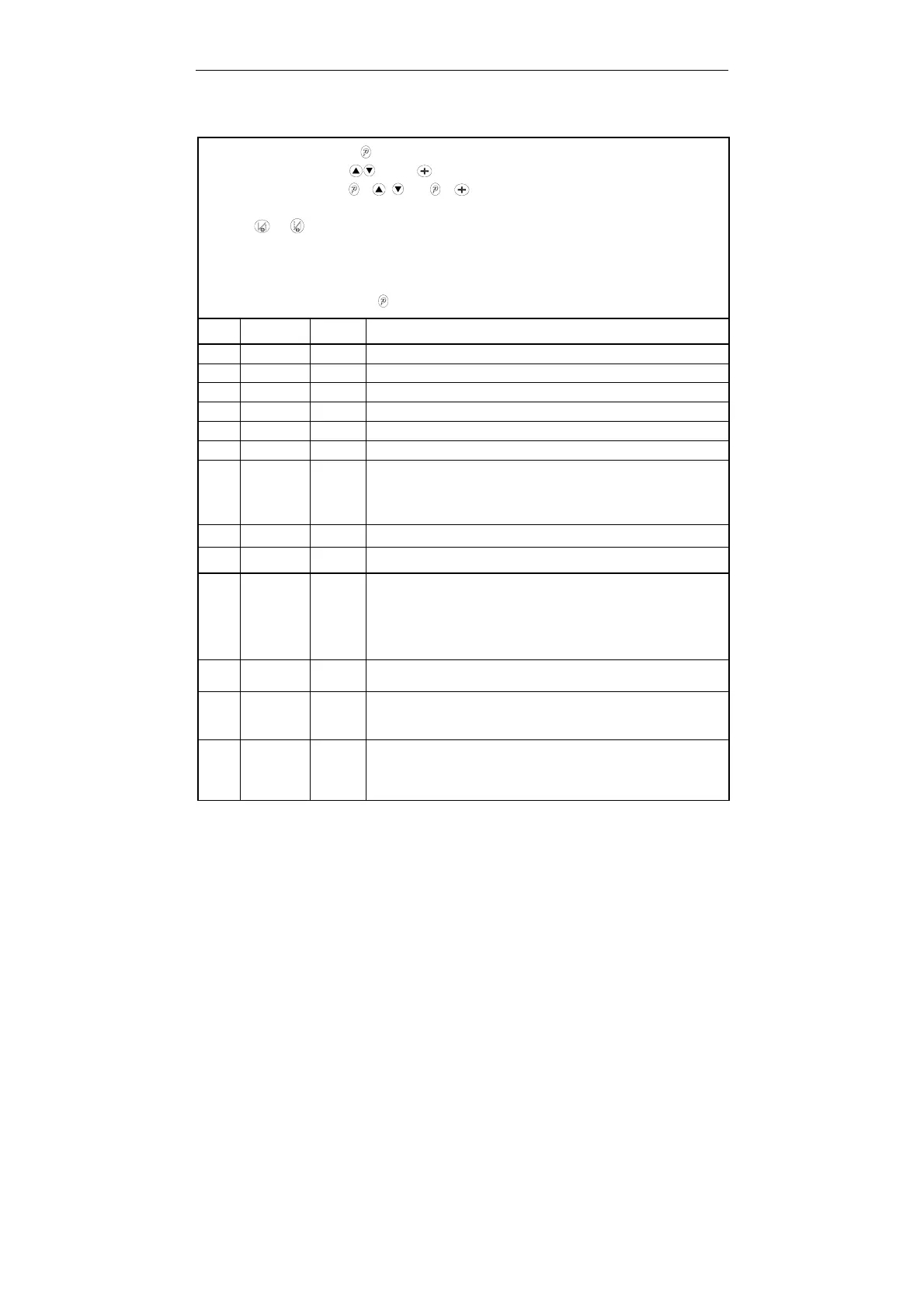
1, In the normal mode, press key to enter parameter mode A;
2, press the corresponding key and key can be increased to the parameter number and the
parameter value. Press the + and + keys can be reduced to the parameter number
and parameter values;
3, press and keys can add and subtract this paragraph parameter index number
4, when the parameter values are addition and subtraction, the parameter interface flashes. In this
case, press S to save the changes, the interface is no longer flashing. Press the S key to exit the
parameter interface, return to normal mode;
5, In parameter mode, press the key, change the value is not saved, return to the normal mode.
NO. Range Default Description
100 100~800 200
Minimum speed
101 200~5000 3500
Maximum speed
102 200~5000 3000
Constant-stitch sewing speed
103 200-5000 3000
Manually backstitch maximum speed limit
104 100-800 200
Complement Needle speed
105 100~500 250
Trimming speed
106 0/1 0
Soft start mode:
0:Soft start only after trimming
1:Soft start after both trimming and stop
107 1~9 2
Stitch numbers for soft start
108 100~800 200
Soft start speed
130
0/1/2/
3
2
Speed curve adjustments:
0:ramp curve
1:polygonal curve
2:quadric curve
3:S-type curve
131 200~4000 3000
The turning point speed of two segment curve.
132 0~1024 800
The turning point sampling voltage of the pedal when two segment
curve (Between parameter 138 and 139)
133 1/2 1
The type of polygonal curve:
1: square
2:rooting



 To Next Page