10
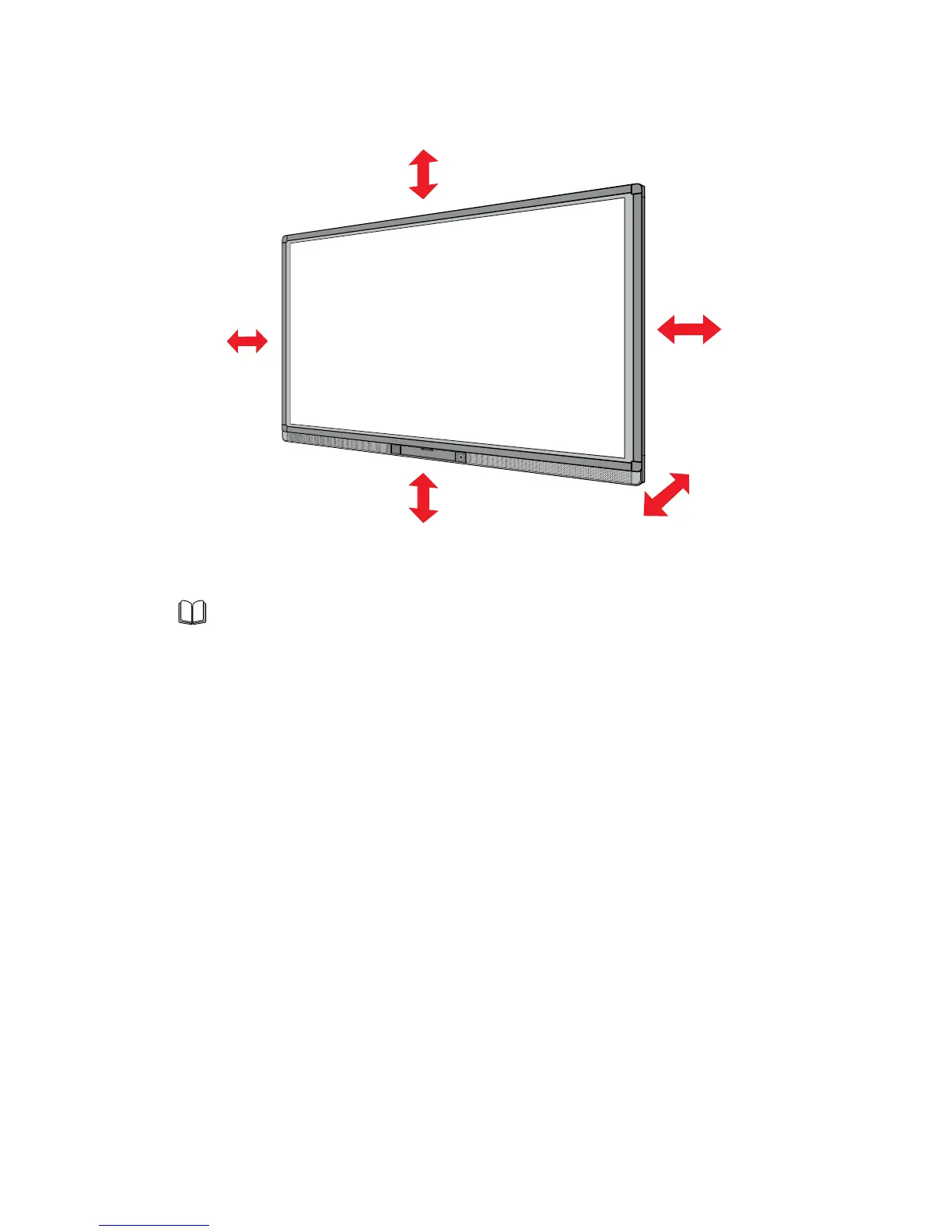
Left ≥ 100 mm
Right ≥ 100 mm
Top ≥ 200 mm
Bottom ≥ 200 mm
Back ≥ 200 mm
Note
When you install by wall mounting method, ensure the screws are inserted into
the wall deeper than 10mm.
Do not block ventilation vents.
Reference to the CAS 132-2006.
The dimension of the 4 bracket mounting holes in the back panel is VESA
MIS-F compliant (400 x 400mm). Please use the metric M8 screws with length
of 10 to 15 mm to secure the display with the mounting system.
Please have a professional installer to install the display unit.
1 INSTALLATION REQUIREMENT



 To Next Page