40
Music
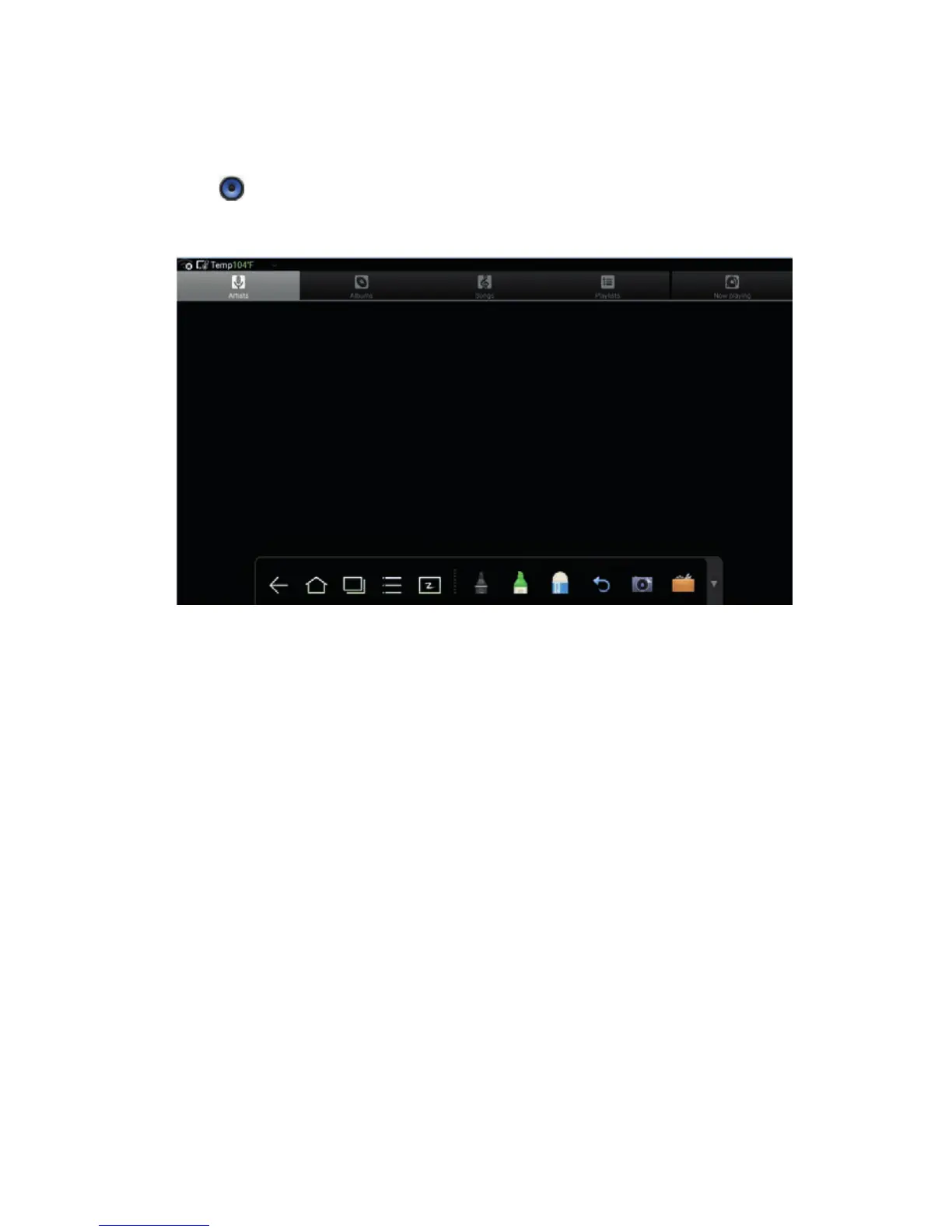
Click
to start the music program. The music in the local disk is displayed by
artists, albums, songs, playlist and playing status.
4.10 Temperature Reminder and Thermal Shutdown
Temperature Reminder
The real-time temperature of the interactive display is displayed on upper left
corner of the home page. Click the temperature display area on the top-left
corner of screen to switch between Celsius and Fahrenheit.
Thermal Shutdown
In the running status, the overall temperature of the display increases due to
unfavorable ventilation environment and long working hours.
When the system detects the actual temperature is higher than the defined
temperature, the temperature protecting program will run automatically, the
interactive display will turn to the standby mode. You shouldn’t reboot the display
within two minutes.
4 TOOLBAR INTRODUCTION



 To Next Page