35
4.4 File Manager
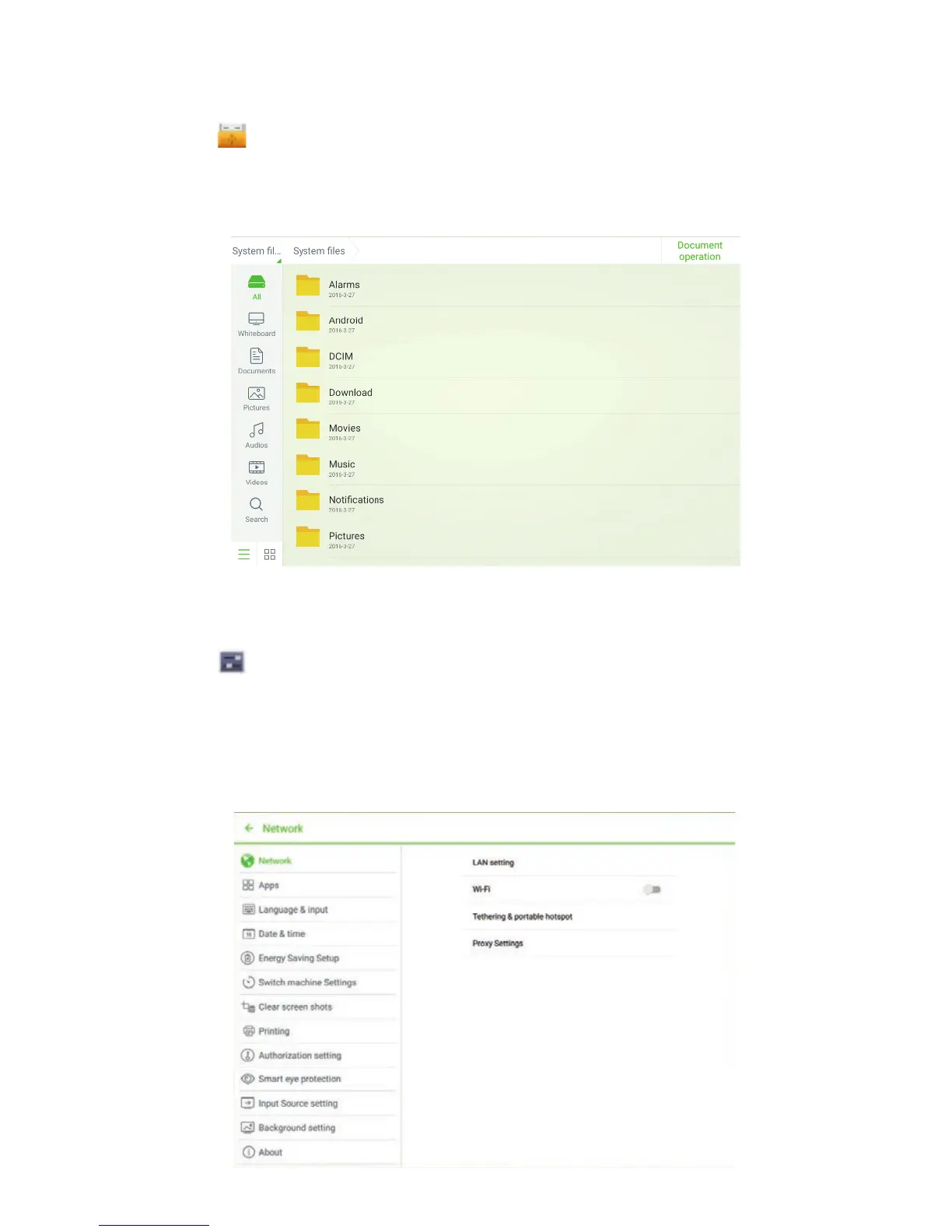
Click on the toolbar to enter the file manager interface. Current system files
are displayed. External device files are also displayed, such as the files in the
SD card and USB drive. The file manager provides various functions, such as
preview, filter, search, select, copy and delete files.
4.5 System Settings
Click on the toolbar to enter the system settings interface. The Network,
Apps, Language & input, Date & time, Energy Saving Setup, Switch machine
Settings, Clear screen shots, Printing, Authorization Settings, Smart eye
protection, Source Settings, Background setting and About are displayed on
the screen. You can click the items to have your preferred system setting. Click
the area outside of the system settings interface to exit.
4 TOOLBAR INTRODUCTION



 To Next Page