42
6
Menu
After switching to selected signal source, press MENU on the remote controller. A
menu is displayed, including Sound Mode, Screen Setting, and Display setting.
Scroll left and right on the screen or press
or to switch between entries.
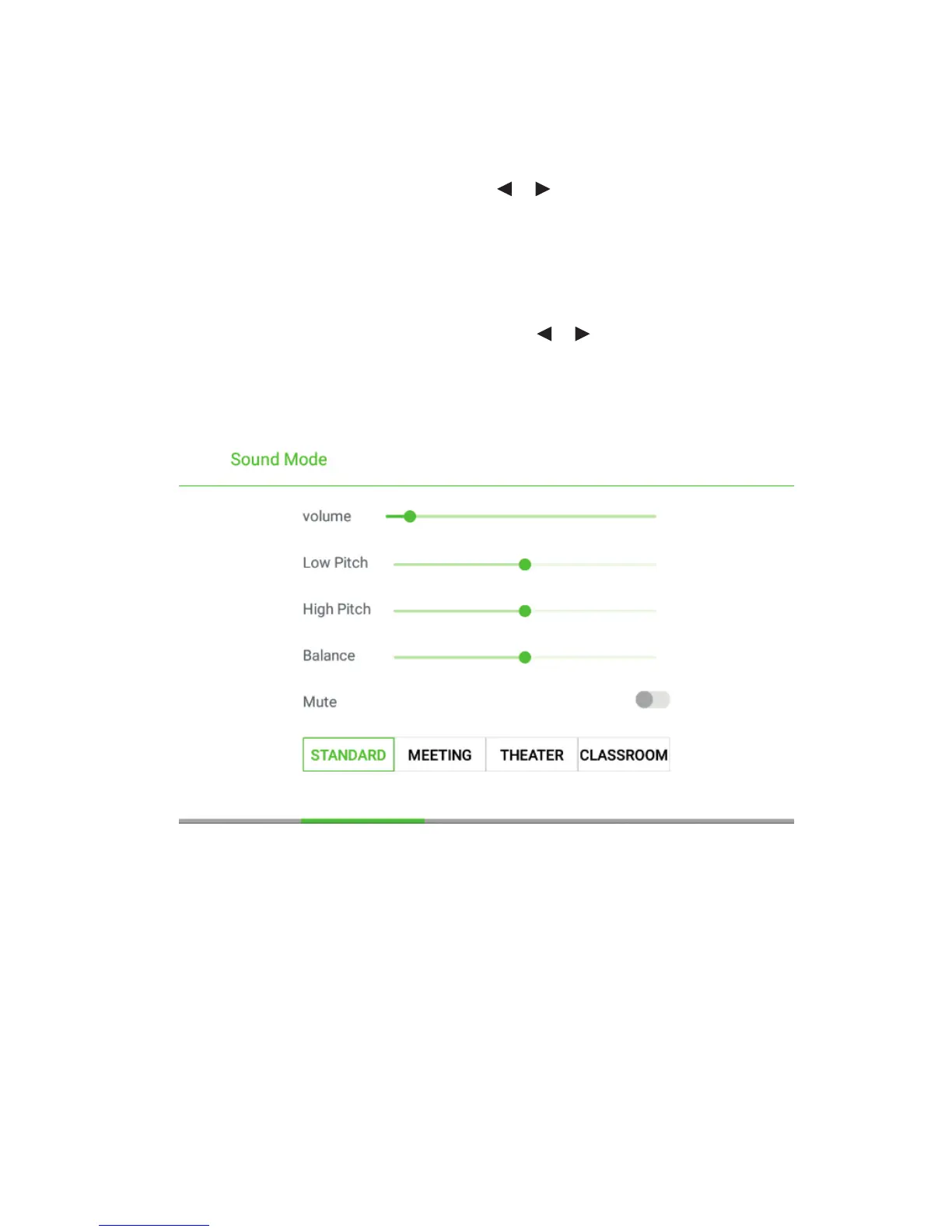
Sound Mode
The Sound Mode page displays options including STANDARD, MEETING,
THEATER and CLASSROOM.
•
Drag the volume key bar directly or press the or button to change volume.
•
Press Mute for silence mode
•
Press RETURN to exit the menu.



 To Next Page