43
Screen Setting
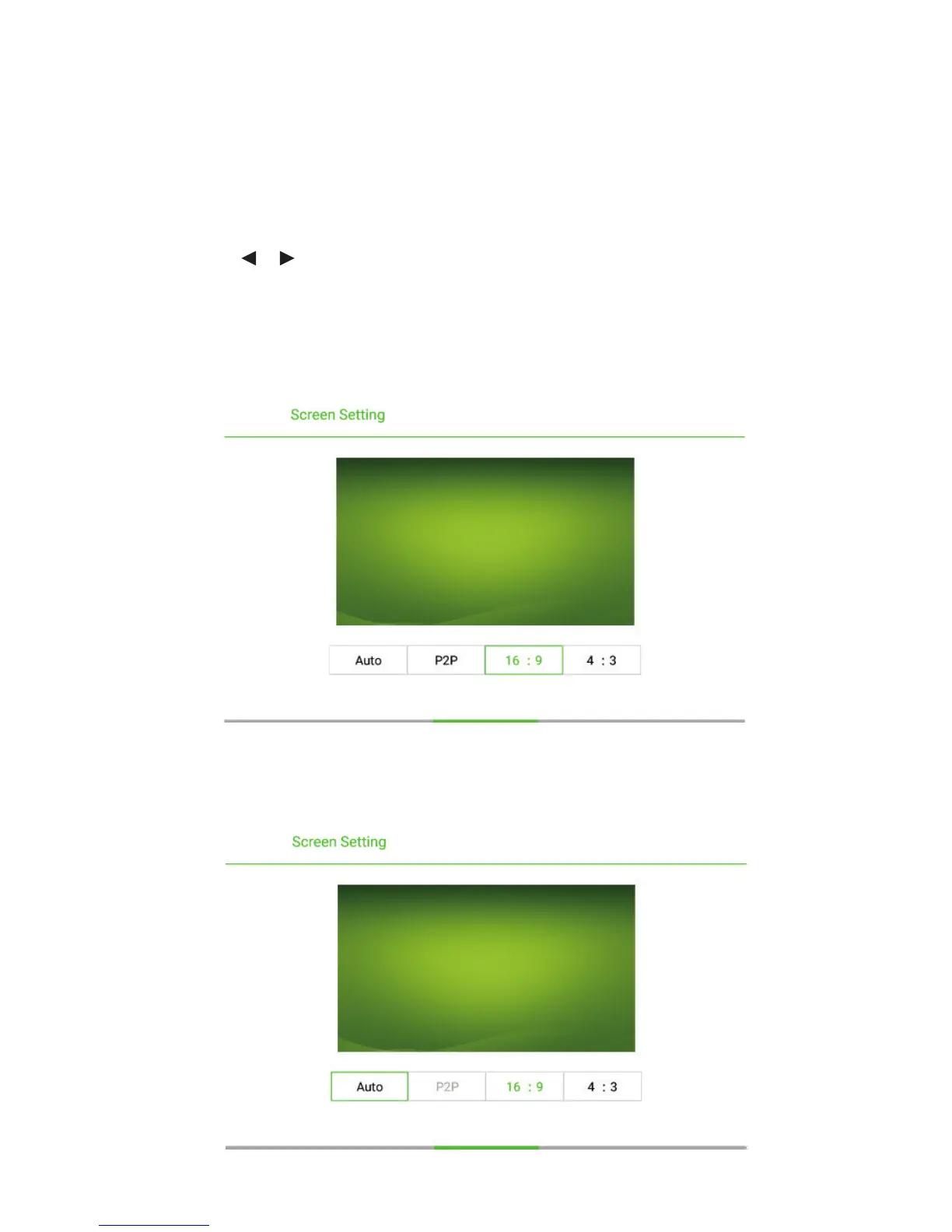
The Screen Setting page displays options including Auto, P2P, 16 : 9 and 4 : 3.
Two ways are used to set the options:
Click an icon and set the option.
Press or and press OK to modify the option. Press RETURN to exit the
menu.
Under different input sources, the screen settings could be different.
Under OPS, HDMI 1-HDMI 4 and DP signal source.
Under AV signal source, the P2P mode cannot be used.
6 MENU



 To Next Page