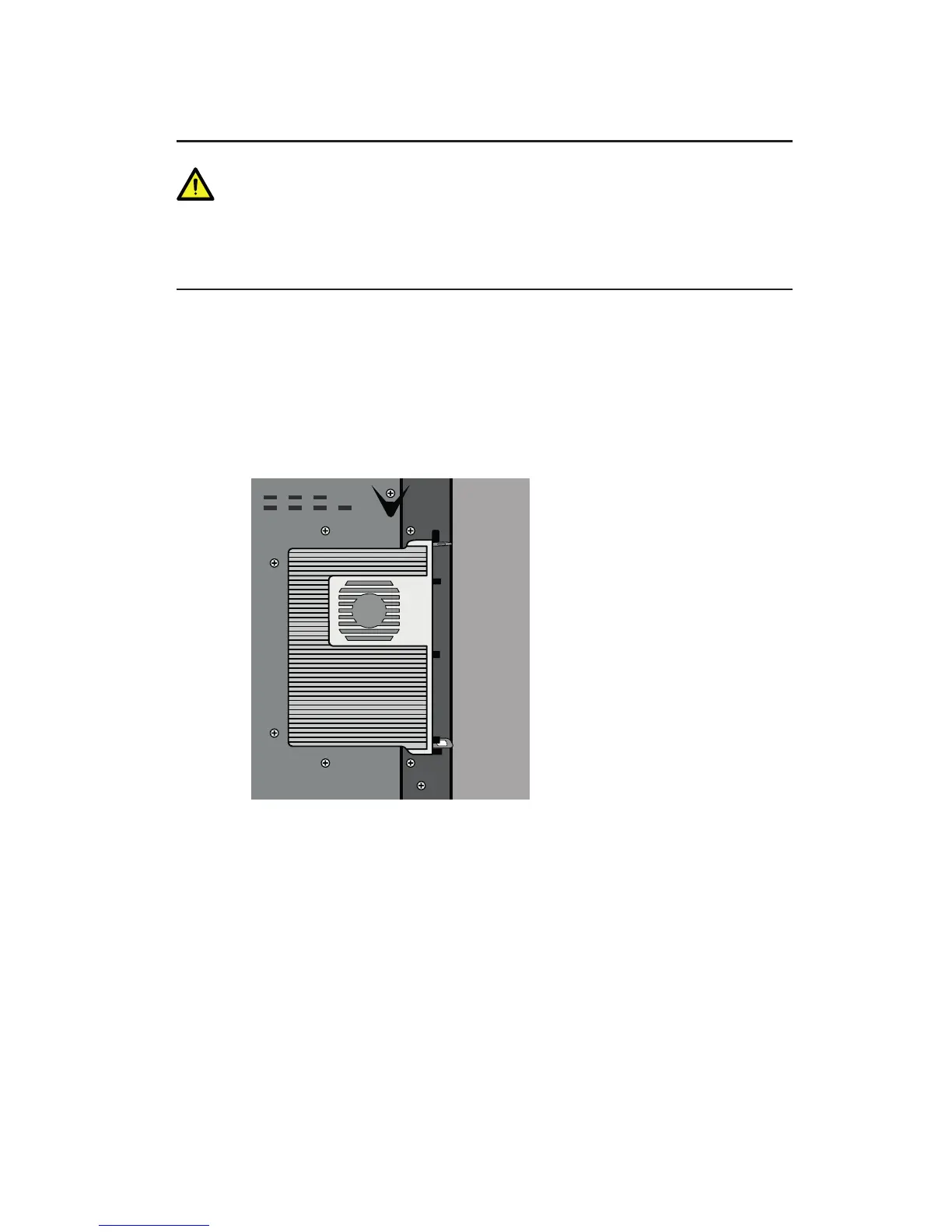
The OPS does not support hot-plugging. Please insert the plug of the OPS after the
interactive display is disconnected from the power.
Install the OPS by the following steps:
Step 1 Insert the OPS into the special slot on the rear of the interactive display.
Step 2 Tighten the screws.
Step 3 Confirm the OPS is installed correctly.
3 BASIC OPERATION



 To Next Page