26
Step 4 Use the pen to click and hold the centre of the flickering cross. Do not
release it until the flickering cross moves to the next point. Repeat and
complete the positioning process according to instructions on the
interface.
To provide calibration samples, tap the crosshair
each time that it appears on the screem.
Right-click anywhere on the screen to return to
the last calibration point. The Esc button to
close the tool. Do not change your screen
orientation until you have completed the
calibration process.
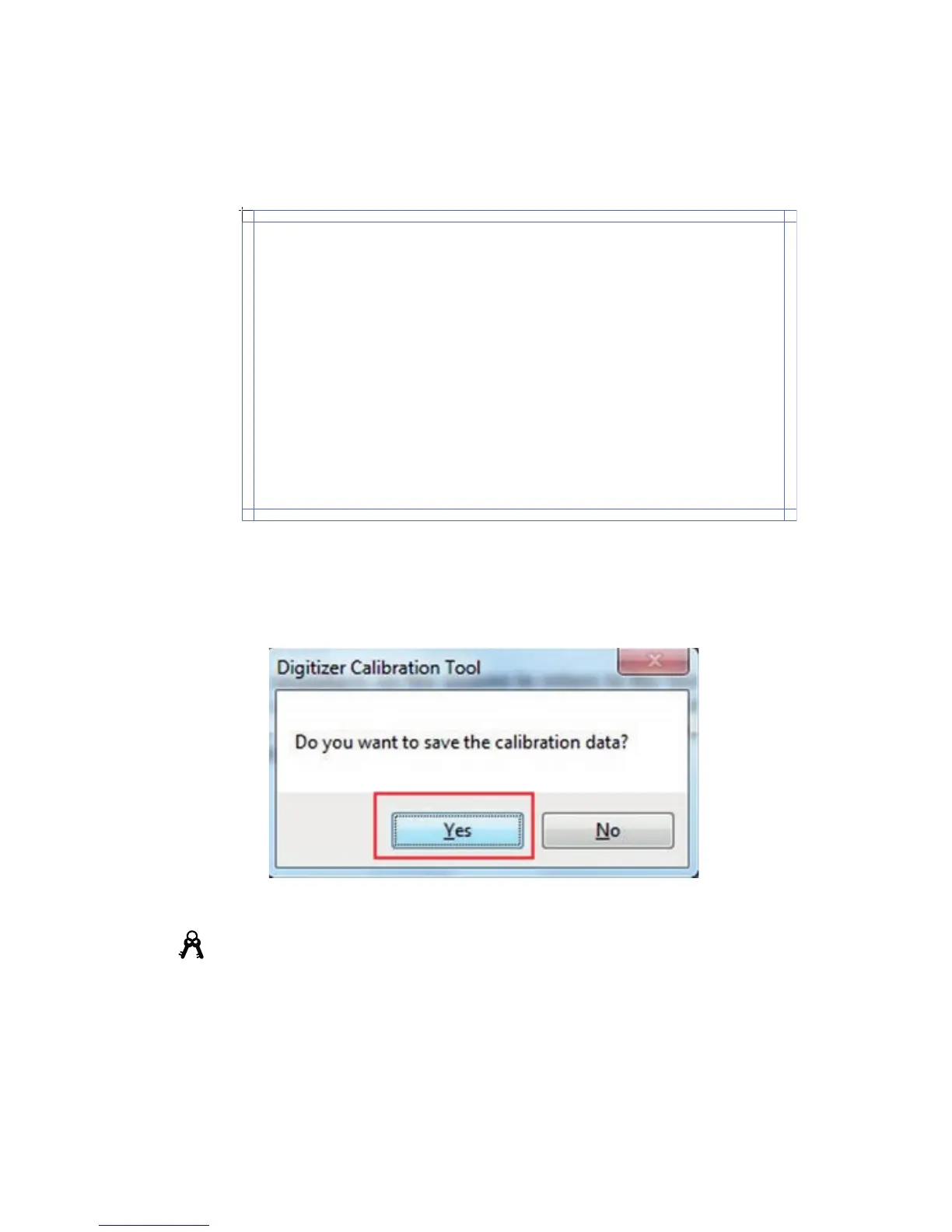
Step 5 Click Yes after the calibration is completed.
Tip
•
To ensure the handwriting accuracy, use the pen provided together with the
interactive display rather than a finger to perform calibration.
•
Positioning errors may cause touch function failure on the interactive display. In this
case, you need to perform positioning one more time.
•
During the positioning process, you can press ESC on the keyboard to exit the
positioning operation.
•
The positioning interface varies between different software versions. Please follow
the actual instructions provided on the interface.
3 BASIC OPERATION



 To Next Page