33
4.3 Gallery
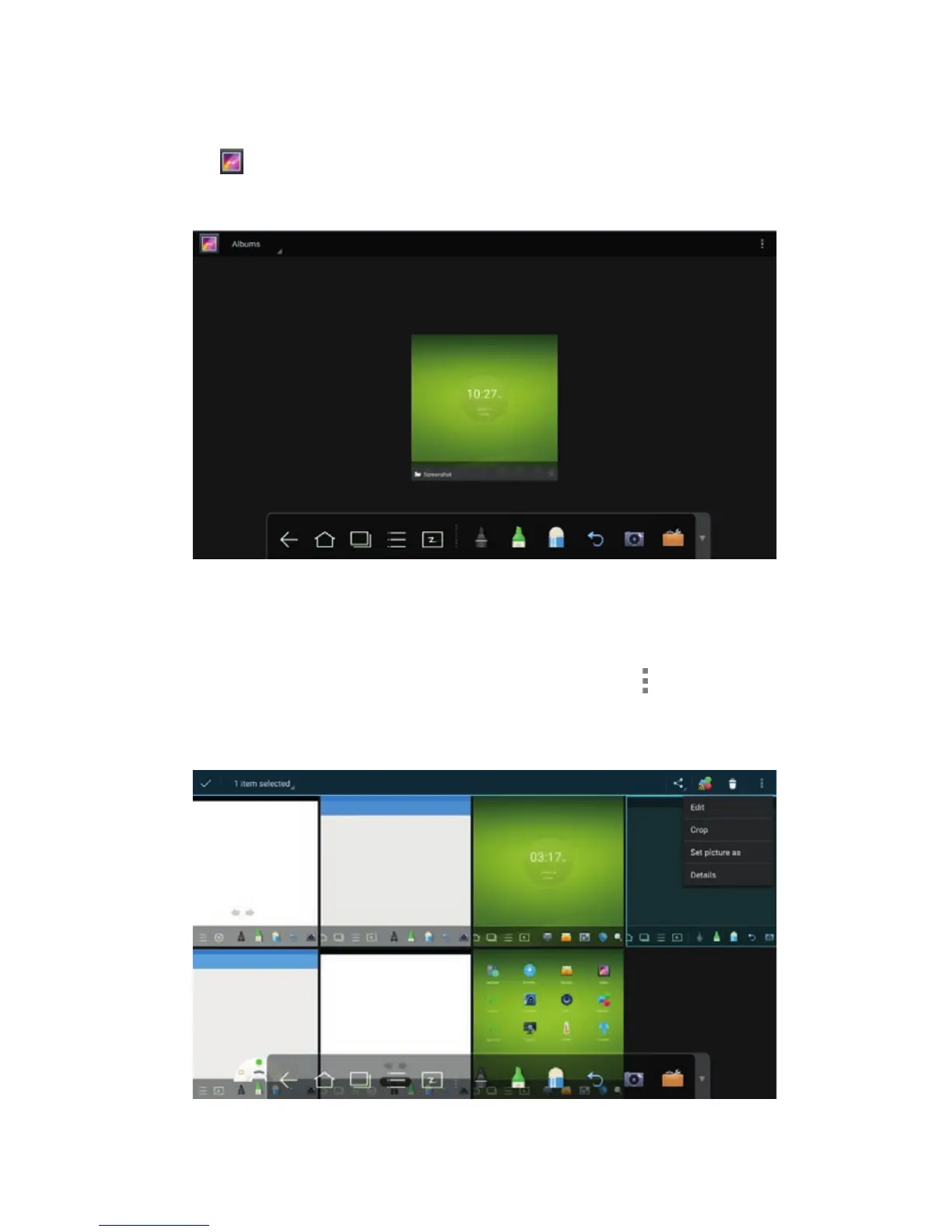
You can enter the gallery to view images one by one or play them as slides.
Click
in the application programs to enter the gallery. All folders containing
images are displayed.
Full preview
One full screen can display a maximum of eight images, you can preview other
group image using your finger and swiping left or right. Press and hold on the
screen to select multiple images, and then you can click the
icon on the
upper right corner to print, share, delete, edit, set and view detail of selected
images.
4 TOOLBAR INTRODUCTION



 To Next Page