41
5
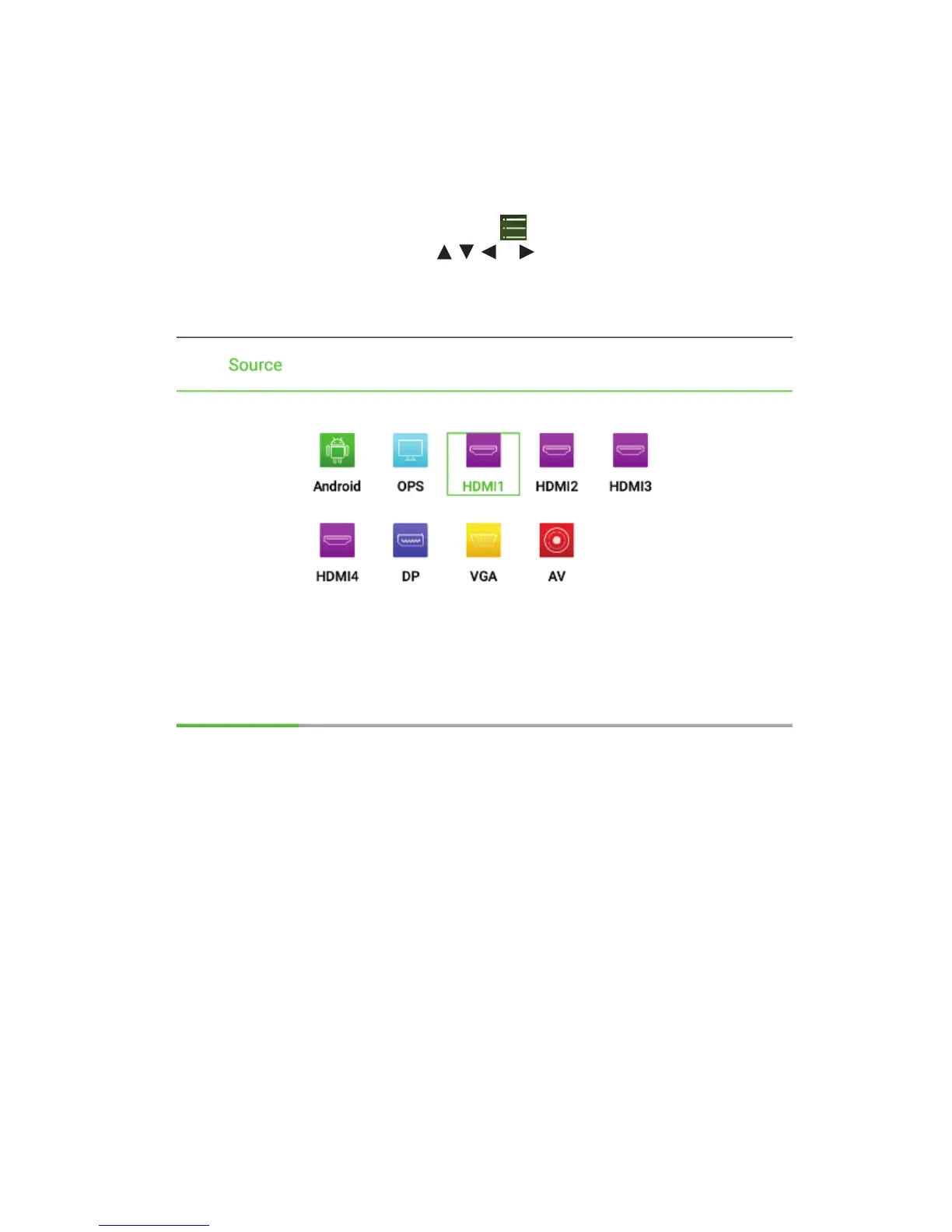
Signal Source Selection
The following three ways are used to select a signal source:
•
Press SOURCE on the remote controller.
•
Press Source on the control panel of the interactive display.
•
At Main page or Whiteboard mode, click for input Source selection page.
•
In the signal source page, press , , or to select a channel and press
OK. You can also select directly by clicking an icon, as shown in the following
figure:



 To Next Page