21
3.2 Power off
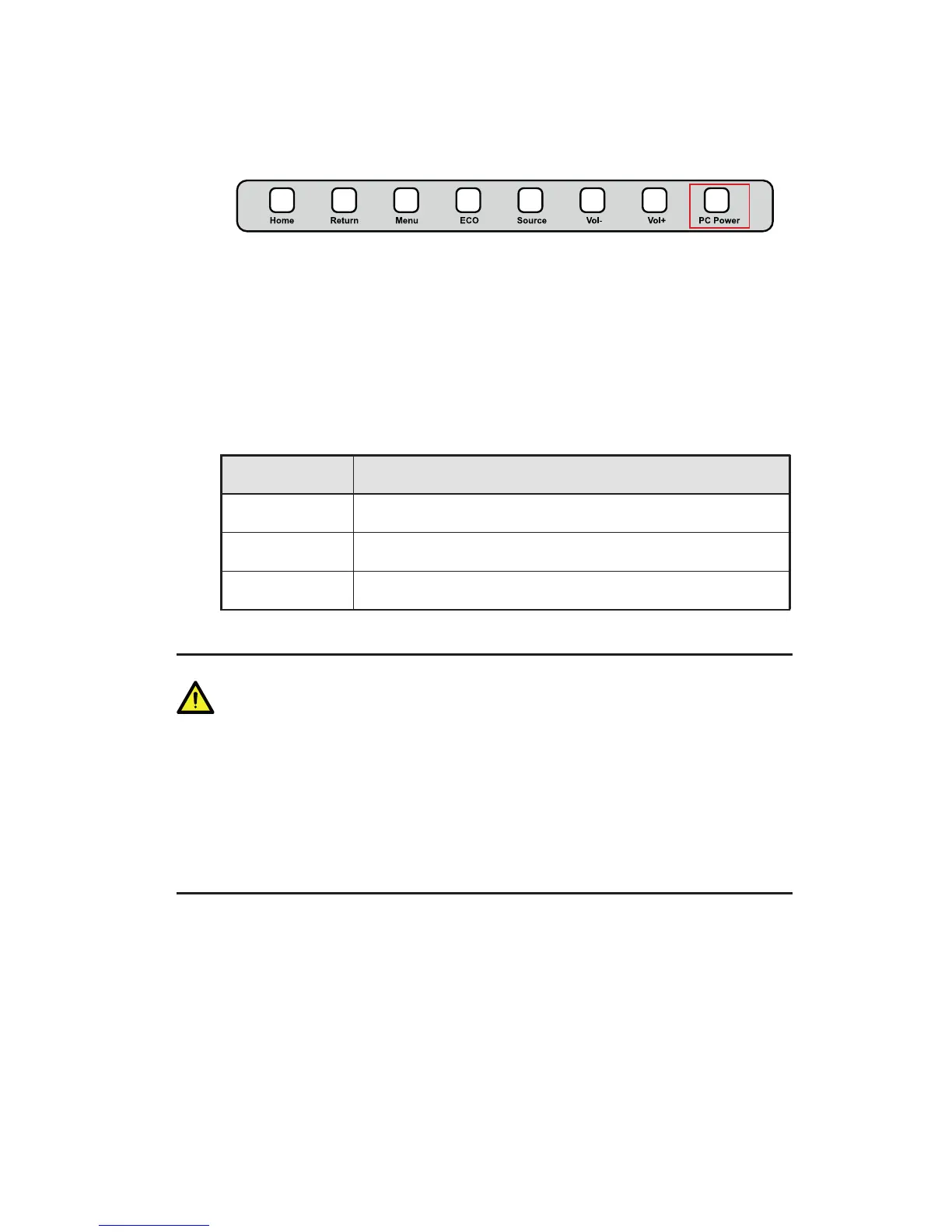
Step 1 Press PC Power to turn off the OPS (for all-in-one models only).
Step 2 Press Power on the control panel or Power on the remote controller to
enter the standby mode. The power indicator turns red.
Step 3 In the standby mode, switch off the rocker switch to turn off the
interactive display.
Status of the power indicator is as follows:
Power Indicator Status
No light Powered off
Red Standby
Green Powered on
W
•
Please turn off the OPS before you turn off the interactive display. Otherwise, the
computer may be damaged.
•
Disconnect the interactive display from power after the display enters standby
mode. Otherwise, the display may be damaged. A sudden power failure may
damage the interactive display.
•
Frequent power on and off in a short time may cause faults.
3 BASIC OPERATION



 To Next Page