13
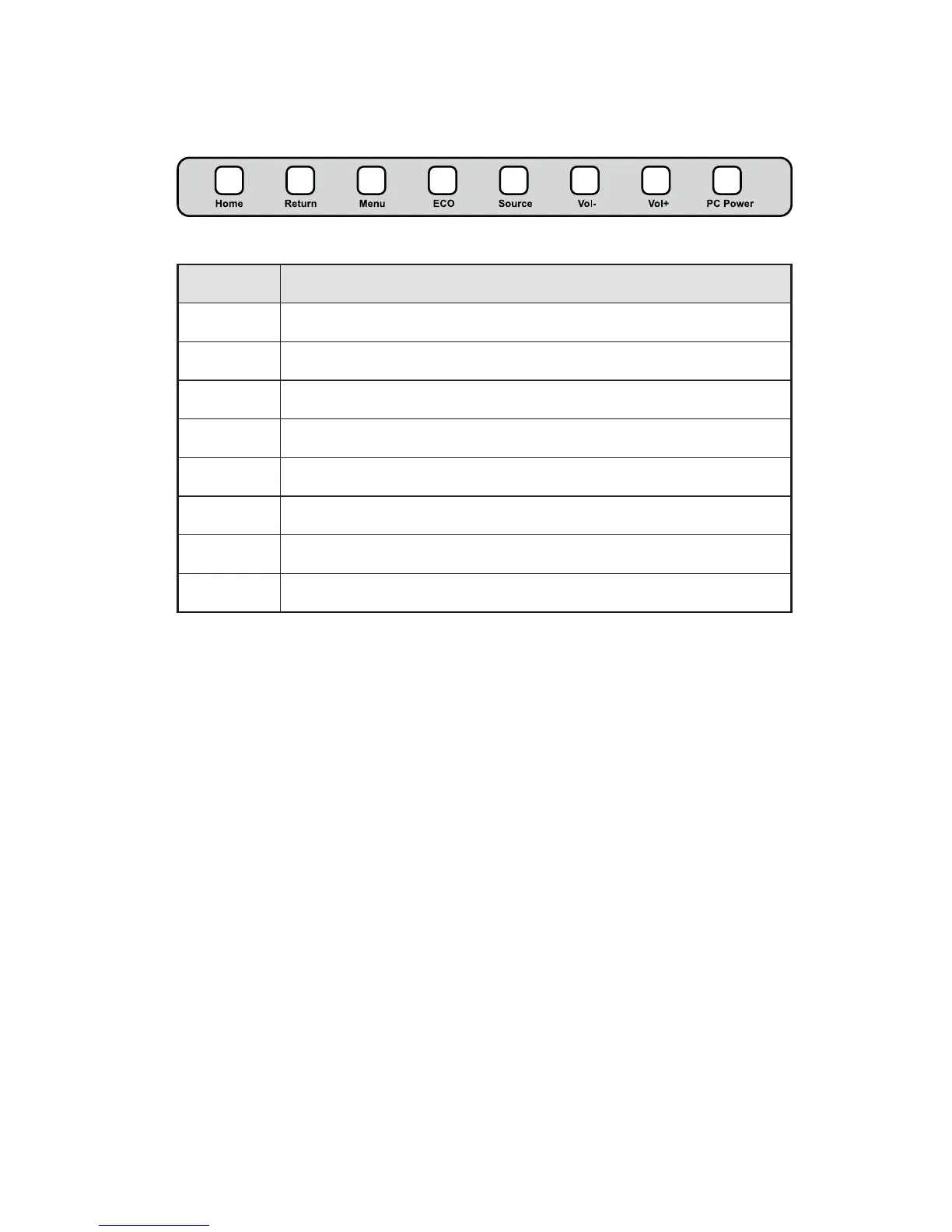
Control Panel
Name Function Description
Home Enter/Exit Android home page.
Return Return to previous menu.
Menu Enter the function menu of screen.
ECO Switch among three modes: energy-saving, automatic, and standard.
Source Enter the menu to select the signal source.
Vol- Decrease volume.
Vol+ Increase volume.
PC Power To power the OPS on or off.
2 INTRODUCTION



 To Next Page