24
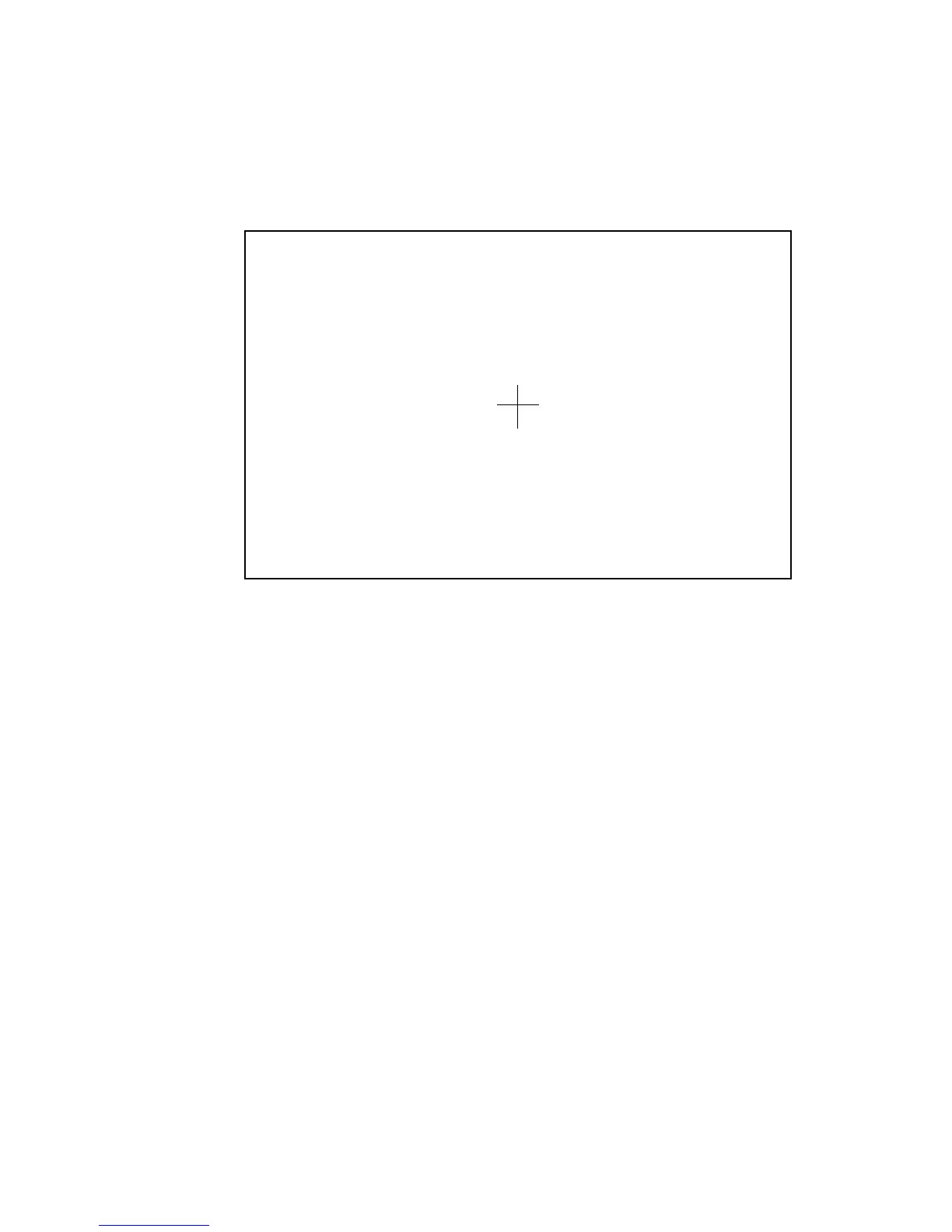
Step 4 Use the pen to click and hold the centre of the flickering cross. Do not
release it until the flickering cross moves to the next point. Repeat and
complete the positioning process according to the instructions on the
interface. The software interface returns to the desktop automatically
after the positioning is completed successfully.
P ress Esc to q uit
I R-H I D-O L O O V O O O
② ③ ④
⑤
⑥
⑦⑧
⑨
①
3 BASIC OPERATION



 To Next Page