32 WWW.GENESISRESCUE.COM
The operating instructions for SLi equipment are available on our website under each specic
product: www.genesisrescue.com
4.9 Device Registration for SLi Rescue Devices
An account in the Genesis Rescue Hub is required for device registration. An existing account
can also be used for this purpose.
Who should register the SLi device?
To ensure a person-independent and transparent registration of your SLi device, an internal
concept for the main account as well as the individual subproles and the respective
assigned authorizations in the digital world of Genesis Rescue is necessary. It is important
to avoid creating a separate account for each device.
Our recommendation: Create a main account for the re department or for your organization,
to which all tools are registered. These can then be additionally assigned to different stations
and vehicles from this account. Afterwards, special personal proles with sub-authorizations
can be assigned again for each device.
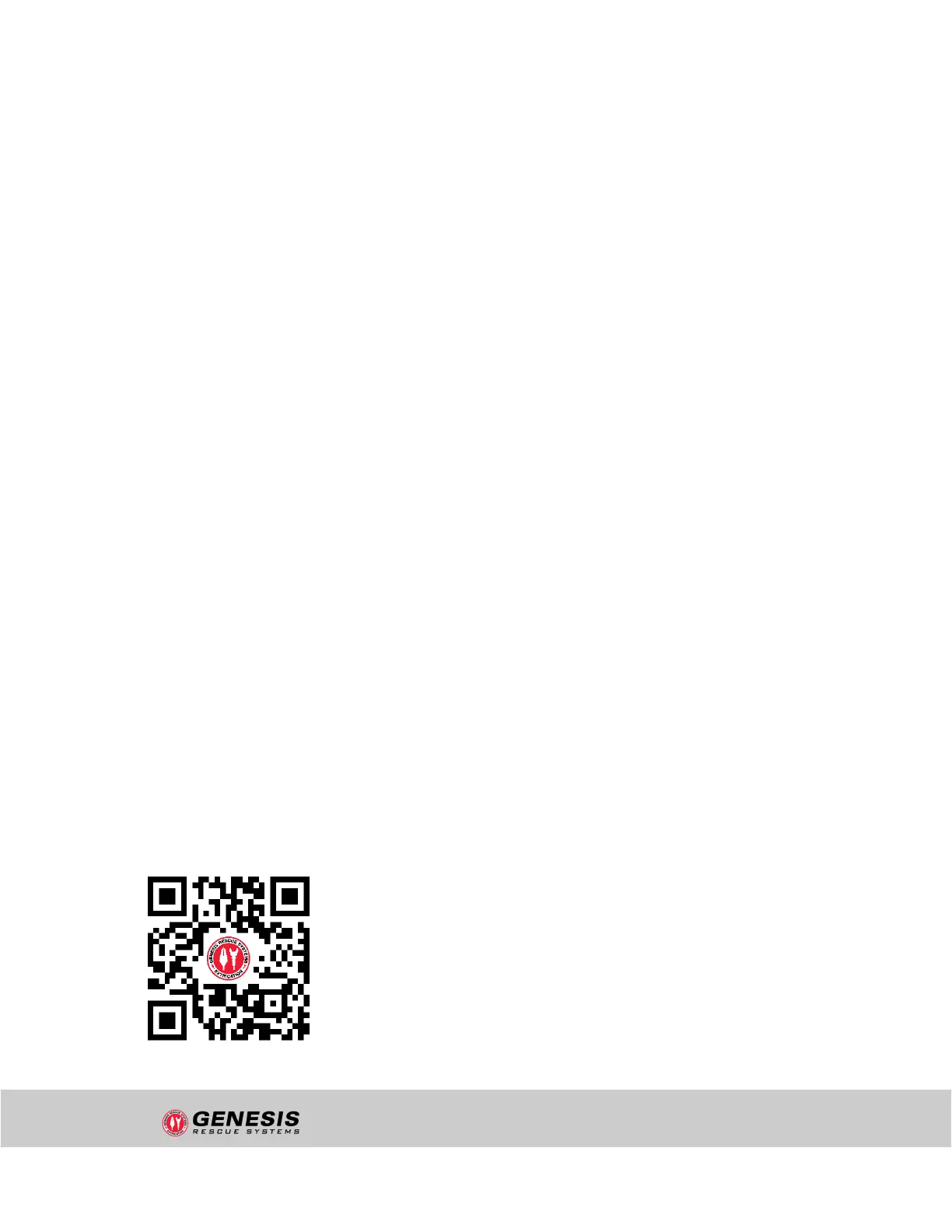
1. Scan the QR code below or open our device registration website in your browser:
hub.genesisrescue.com
2. If you already have an account for another Genesis Rescue digital solution or app, you
can log in with your existing credentials and add the new SLi device by providing its
unique TIN number.
3. If you do not yet have an account in the Genesis Rescue digital world, then you can
quickly and easily create your SLi device by clicking on the "Register" button in the top
right corner. A user account will then be created automatically.
4. The TIN number required for registration can be found on the type plate of your
SLi device. The activation code is lcoated in the separate yer labeled
"Device Registration".
STRUCTURE AND FUNCTION
"uncontrolled if printed"


 To Next Page