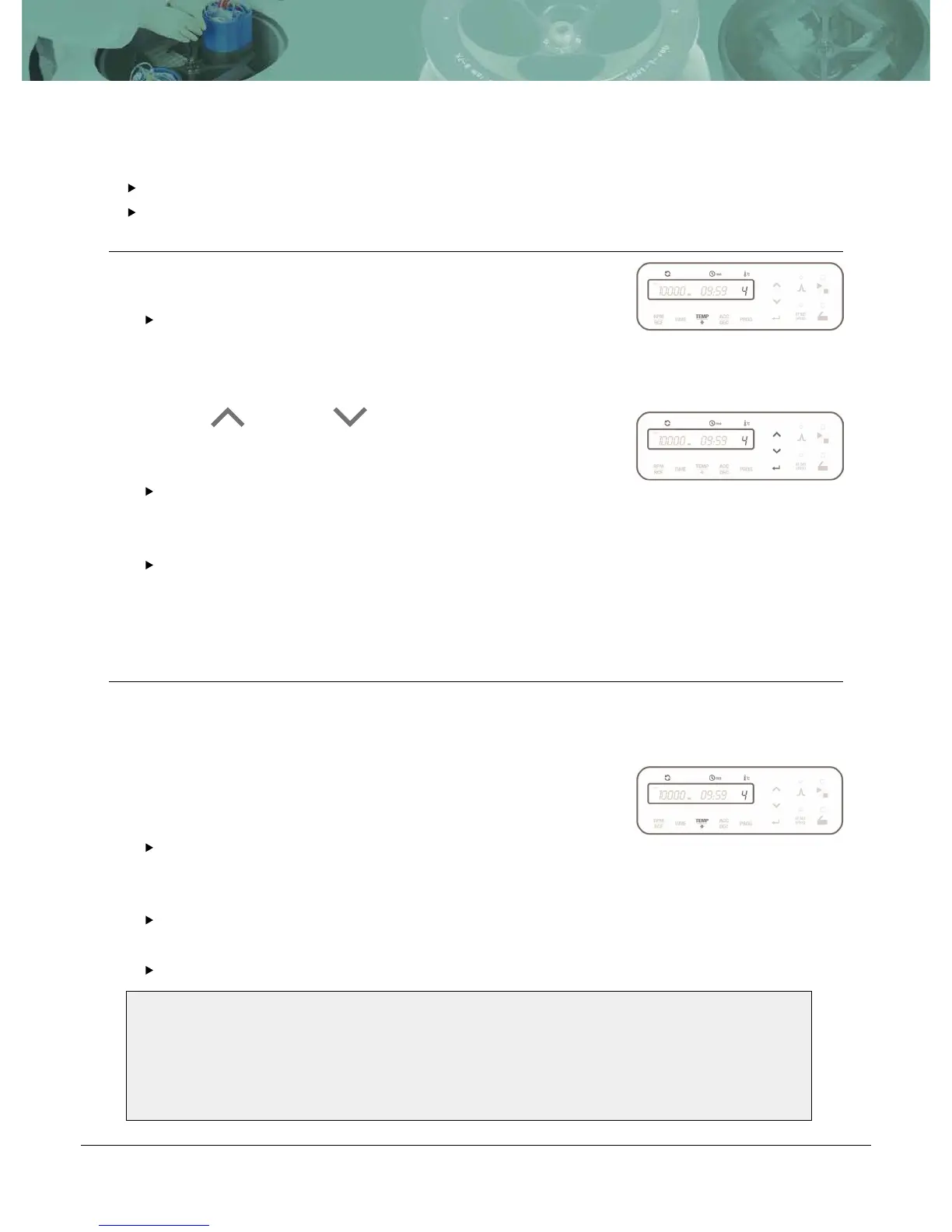
4.4 Setting Temperature and Fast Cool
4.4.1 Setting Temperature
Temperature can be set from -20℃ to 40℃
Temp setting unit: 1 ℃
Action
4.4.2 Setting Fast Cool
Action
Touch [TEMP] button.
The input value of the ‘TEMP’ sign flickerson the display
window and can be set here.
Touch Up [ ] or Down [ ] button to change input ACC or
DEC value.
If you do not touch the Up/Down button for 15 seconds, the
setting mode is cleared.
Touch [ENTER] button to complete the setting.
Setting the temperature. (Please refer to 4.4.1 Setting Temperature)
.
After installation of the rotor and closing the lid of instrument, touch
the [TEMP] button for more than 2 seconds.
For fast cooling, the instrument is refrigerated down to the set
temperature in a short time.
During the fast cooling, the rotor runs at low speed (1,000 rpm).
The passed time is showed on the display window.
1
1
2
2
Note!
• If you’d like to load your sample tubes before pressing the [Fast Cool] button, please
check if the sample is safe during spinning at 1,000 rpm.
• Before starting Fast Cooling, please check the rotor coupling and symmetry of sample
tubes.


 To Next Page