Action
4.9 End Alarm
Users can select the preferred end alarm. Repeat account and sound pitch of the end alarm can
be selected.
4.9.1 Access to End Alarm
Action
4.9.2 Setting the Repeat Count of End Alarm
Action
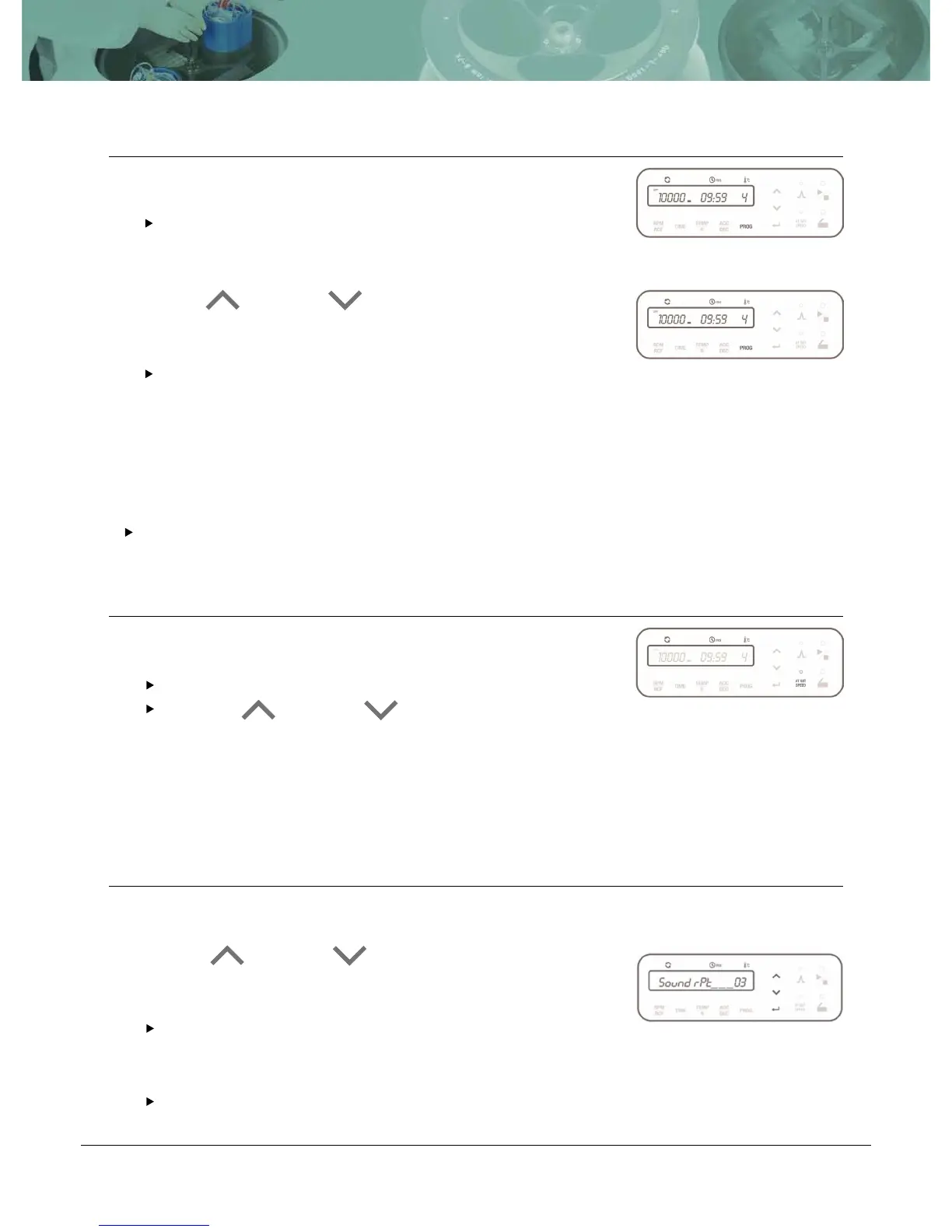
Touch [PROG] button once.
The program number flickers and the “CALL” sign appears
on the display window.
Touch Up[ ] or Down [ ] button to select the program
number you want to recall and then touch [ENTER] button.
If you do not touch the Up/Down button for 15 seconds, the
setting mode is cleared.
Keep [AT SET SPEED] button pressed for more than 2 seconds.
‘Sound rPt’
appears on the display window.
Touch Up [ ] or Down [ ] button to select the mode
(Sound rPt (Repeat)/ Sound LEVEL)and then touch [ENTER]
button.
Check the “Sound rPt” on the display window.
Touch Up [ ] or Down [ ] button tochange the repeat count
and then touch the [ENTER] button.
The mode is passed to ‘Sound Level’by touching [ENTER]
button.
Repeat co
unts of end alarm: 0~99 (0: silent, 99: 99 times)
1
1
1
2
1


 To Next Page