1-9
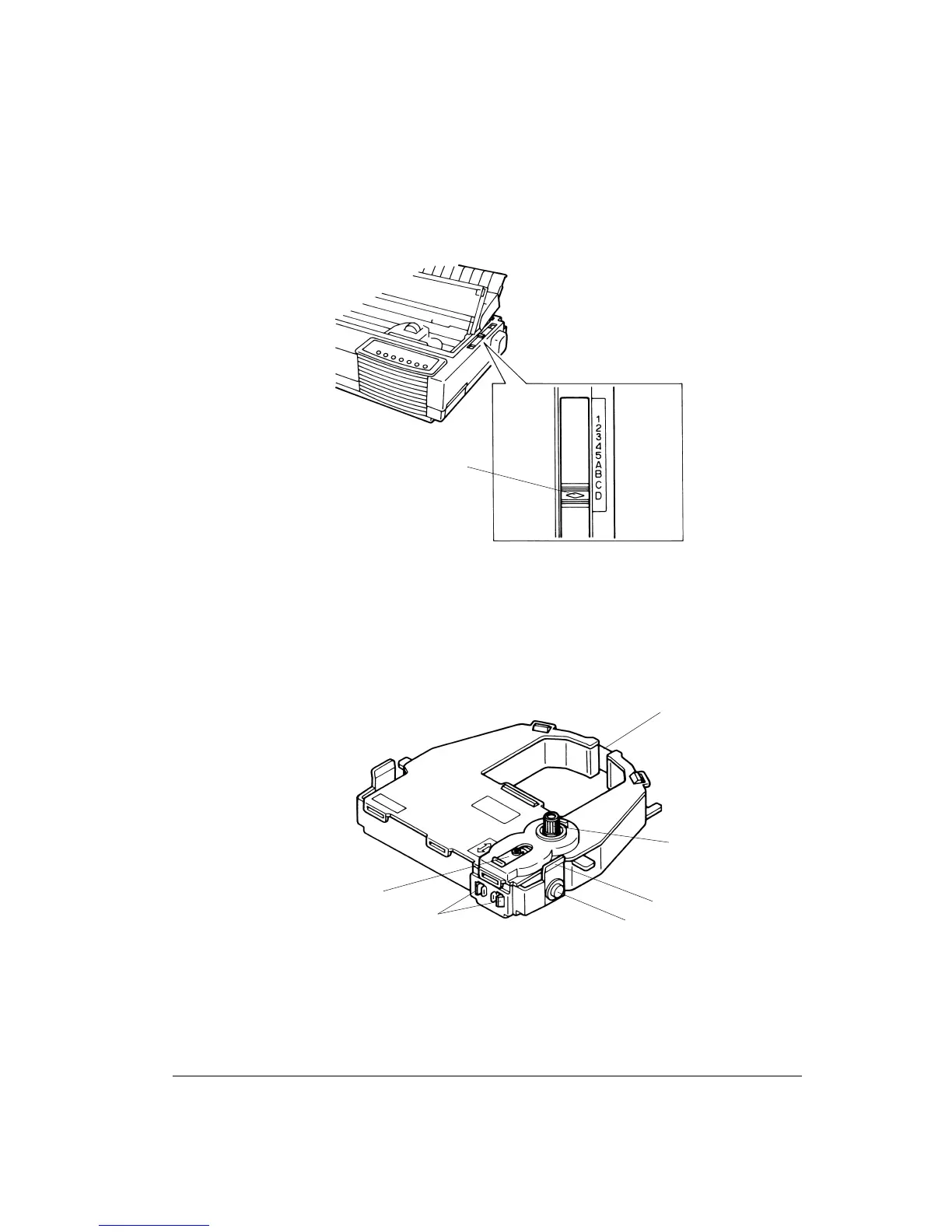
3. Move the paper thickness lever 4 to the position D.
Positioning the Paper Thickness Lever
Preparing the Black Ribbon Cartridge
1. Remove the ribbon cartridge from its plastic packet.
1 - Ribbon release tabs 4 - Ribbon feed knob
2 - Ribbon feed mechanism 5 - Ribbon cartridge release lever
3 - Ribbon 6 - Mounting pin
Black Ribbon Cartridge
4
3
4
6
5
1
2



 To Next Page