1-15
Loading a Sheet of Paper to Start the Printing Test
1. Make sure that the paper thickness lever 1 is at position
11
11
1.
2. Make sure that the paper select lever 2 is set toward the front (position for printing on
single sheets).
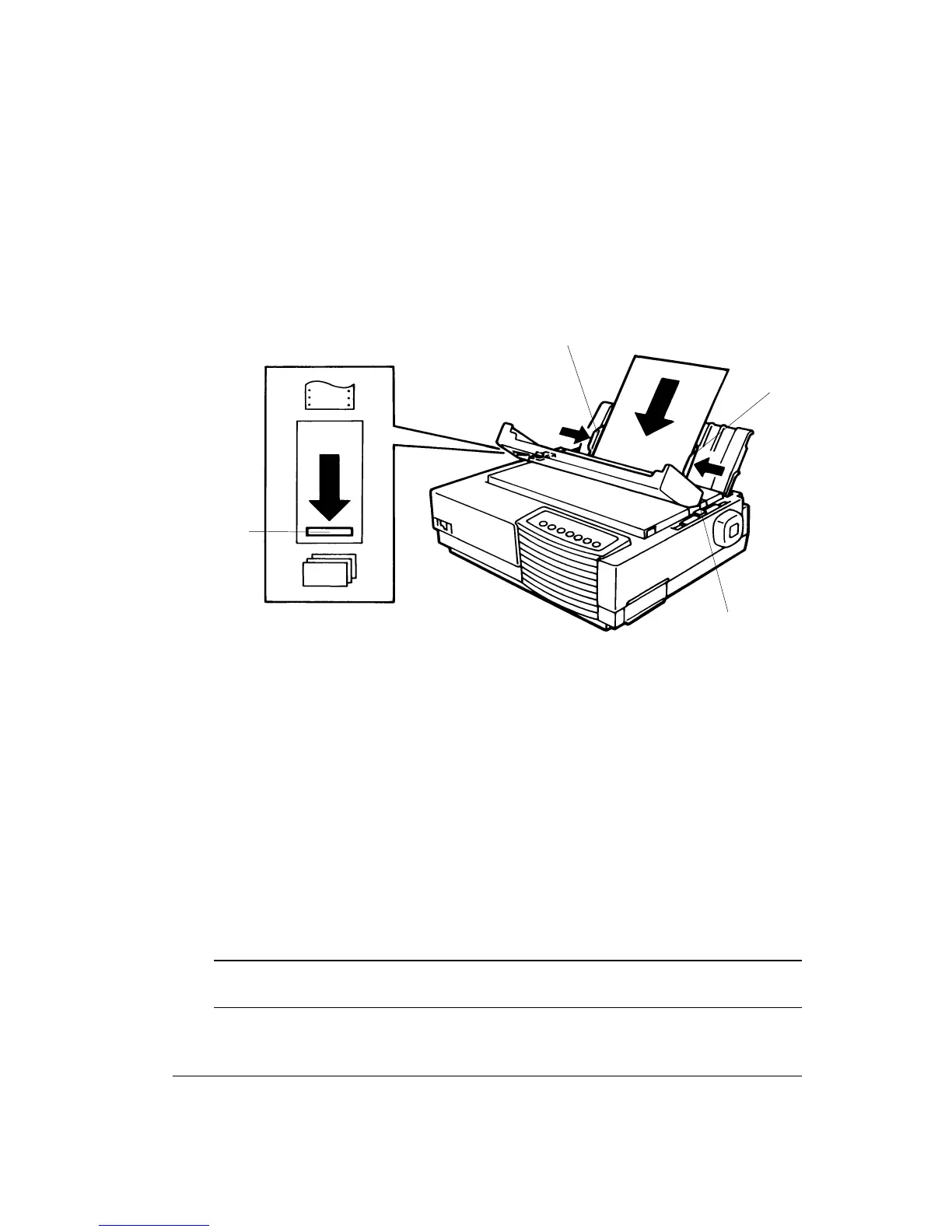
Loading a Sheet of Paper
3. Open the acoustic cover and move the left paper guide 3 all the way to the right.
4. Adjust the right paper guide 4 to the width of the paper without actually inserting the
sheet inside the printer.
5. Slide the sheet along the cut sheet stand until its bottom edge touches flat on the platen.
The sheet is automatically loaded to the print position and the printing test starts.
Checking the Printing Test
1. Allow printing to continue for a dozen or more lines of repeat printing.
2. To stop printing the test, press the Set-Up/Quit button.
Caution: Do not try to use the FF/LOAD button to eject the paper. In Printing Test mode,
FF/LOAD cannot be used to feed paper forward.
3
4
1
2



 To Next Page