1-16
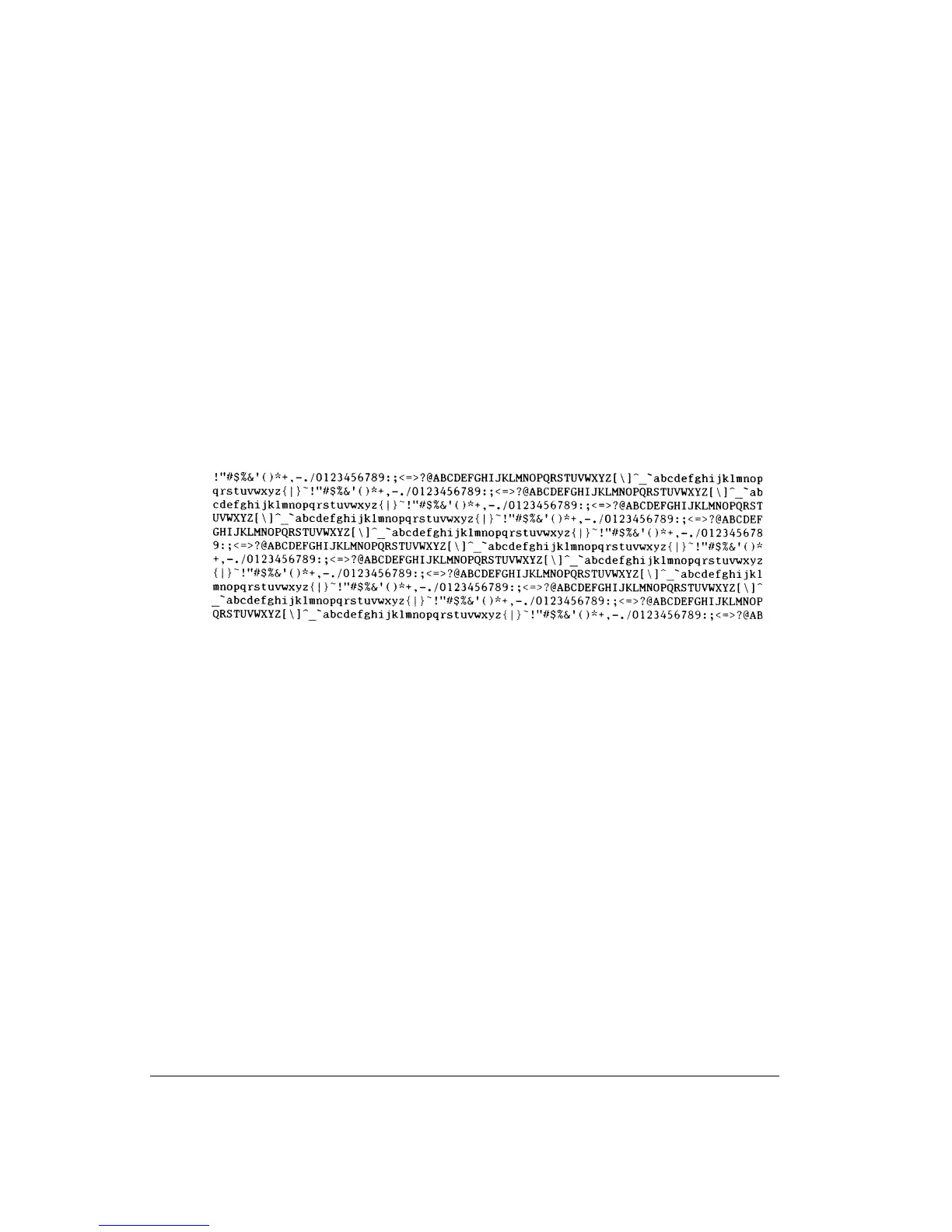
3. Examine the printing test page. It should look like the sample shown below.
Check that printing is uniform and that there are no light, dark, or smudged areas. If the
print quality is good, go to point 4- to end the printing test. Otherwise, try to correct the
problem as follows:
• Make sure that the ribbon is installed correctly.
• Make sure that the paper thickness lever is set to position 1.
If the printing test stops because of paper out, insert a new sheet of paper into the cut
sheet stand. The printing test restarts automatically.
If the print quality remains poor, turn off the printer and contact your dealer for
assistance.
Sample Printing Test Page
4. To exit the printing test mode, turn the printer off.



 To Next Page