BRAIN 17 26 732788 - Rev. A_1
ENGLISH
Display Advanced Function
Default
FS
FAIL SAFE:
You can enable function FAIL SAFE to control correct operation of the pho-
tocells.
00 = FAIL SAFE disabled
01 = FAIL SAFE enabled
00
St
AUTOMATED SYSTEM STATUS:
You can exit programming, choosing whether or not to save the configuration
you just performed.
1. set the choice:
Y to SAVE and EXIT the programming
no to EXIT the programming WITHOUT SAVING
2. press the button F to confirm; at the end the display returns to visualize
the automated system status:
Y
00 = CLOSED
01 = OPEN
02 = Stationary then “OPENS”
03 = Stationary then “CLOSES”
04 = In “PAUSE”
05 = Opening
06 = Closing
07 = FAIL SAFE in progress
08 = checking BUS G-WAY devices in progress
09 = Pre-flash then “OPENS”
10 = Pre-flash then “CLOSES”
WARNING If power is lost to the board prior to confirmation (step
2.), all changes made will be lost.
F
+
-
/
R2
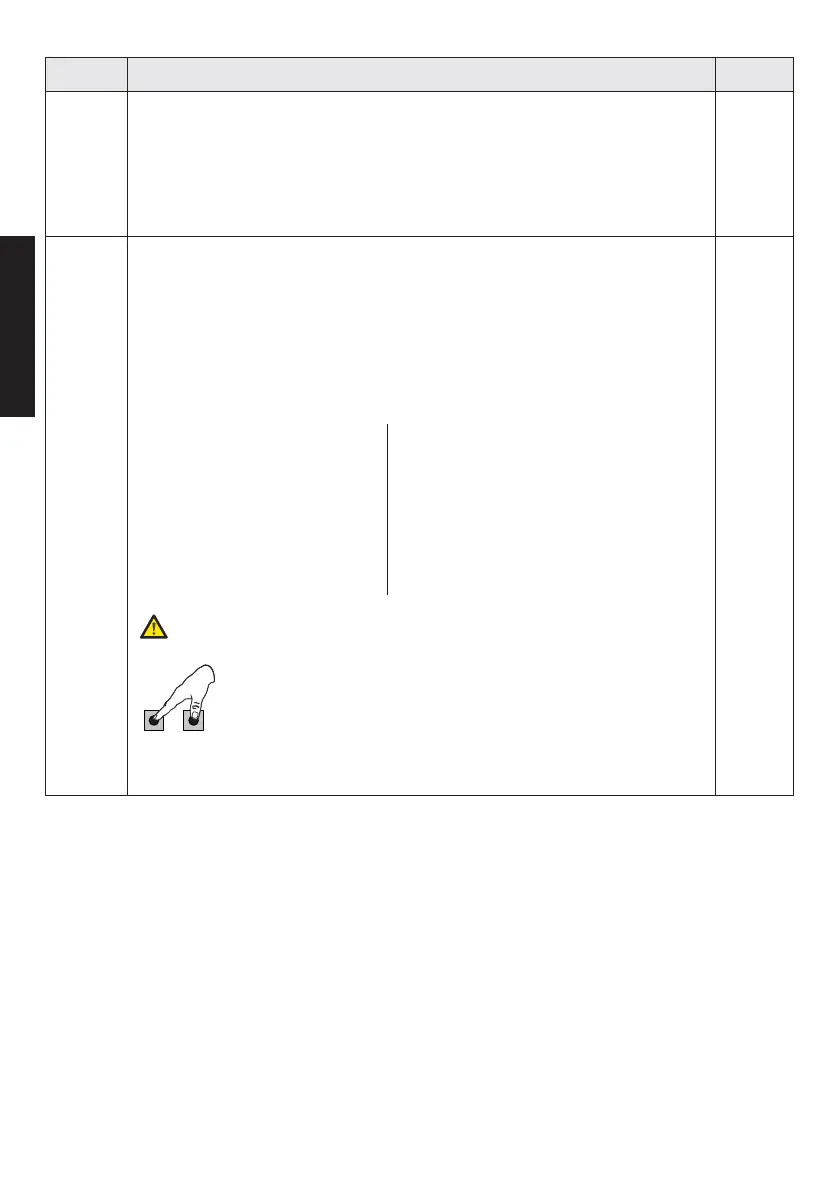
You can EXIT programming at any time: press and hold F and
then also
to switch directly to St.



 To Next Page