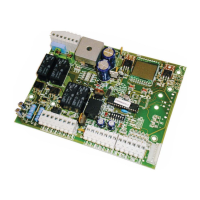
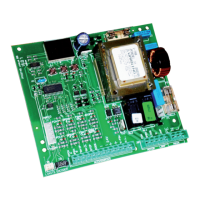
BRAIN 17 38 732788 - Rev. A_1
ENGLISH
Display Function
Default
Uc
BOARD CONFIGURATION UPGRADE:
This function lets you transfer the configuration to the board (file BRN17.prg).
If + and - are pressed simultaneously for at least 5 seconds, you will access the
board configuration update. The writing
no will disappear and, in its place,
the writing
-- and the USB DL10 LED will begin flashing.
Once updating is completed,
Y will be displayed if it has been done correctly,
otherwise the writing
no will appear again.
The upgrade is carried out correctly only if the USB memory
contains a valid file named exactly BRN17.prg
--
Ur
RADIO CODE LIST UPGRADE:
This function lets you update the radio code list on the board (file BRN17.rad).
If + and - are pressed simultaneously for at least 5 seconds, you will access
the board update. The writing
no will disappear and, in its place, the writing
-- and the USB DL10 LED will begin flashing.
Once updating is completed
Y will be displayed if it has been done correctly,
otherwise the writing
no will appear again.
The upgrade is carried out correctly only if the USB memory
contains a valid file named exactly BRN17.rad
--



 To Next Page