English
-6-
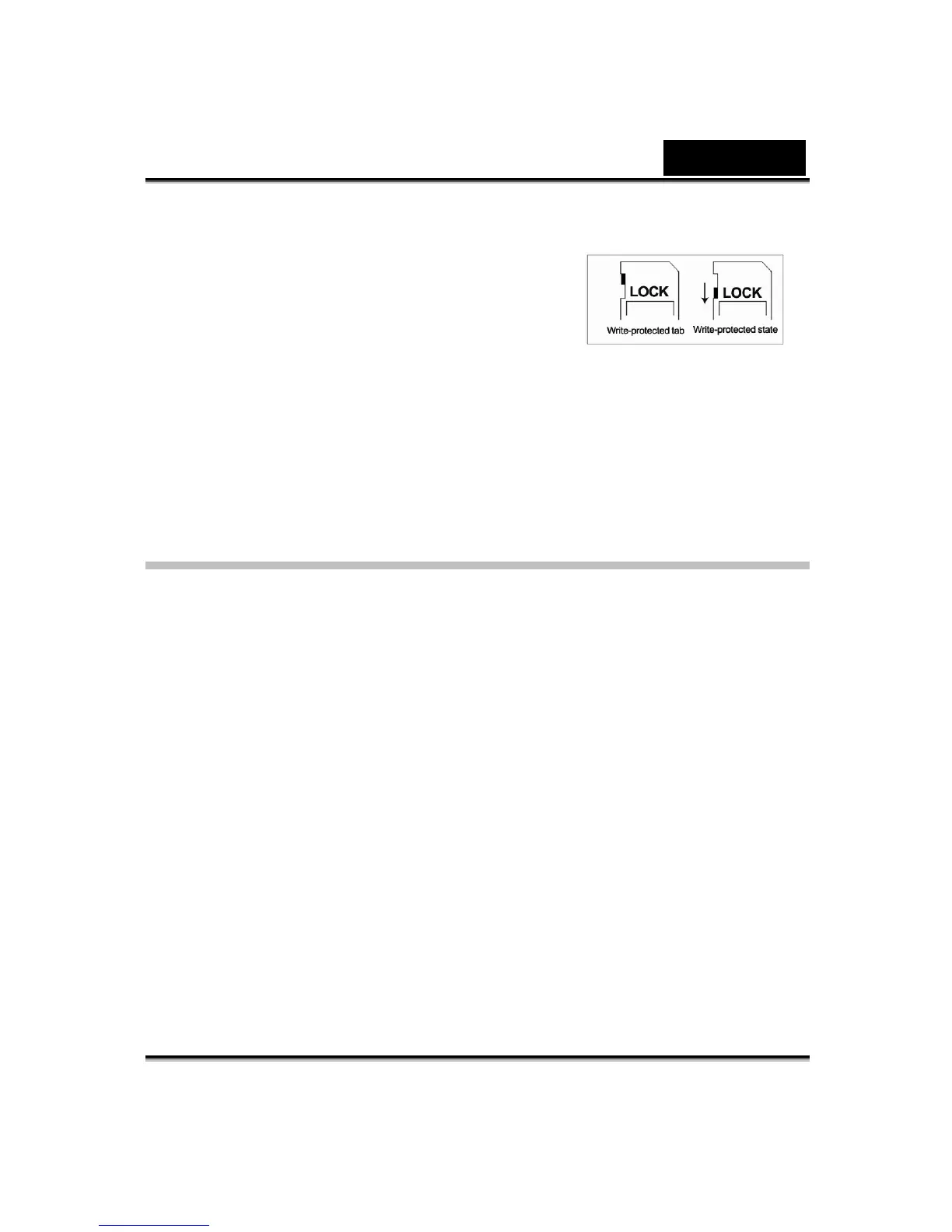
The SD card is read-only by locking the SD card.
No pictures, movies and voice can be recorded
when the SD card is locked. Make sure the lock is
in writeable position before recording any media.
To prevent valuable data from being
accidentally erased from an SD memory
card you can slide the write-protected tab (on the side of the SD memory card)
to “LOCK”.
Please format an SD memory card by this Digital Video Camera before use.
Turning the Digital Video Camera On and
Getting Started
To turn on the Digital Video Camera:
(1) Flip out the LCD panel; the Digital Video Camera will turn on automatically.
(2) Or press the power button for one second to turn on it.
Ö To take a movie, press the shutter button.
Ö To take a picture, press the MODE button to switch to Picture Record
Mode then press the shutter button to start taking pictures.
Ö To record the voice, press the MODE button to switch to Voice Record
Mode, and then press the shutter button to start the voice recording.
Ö To view stored movies, pictures or listen to stored MP3 and voice
recordings, press the REC/PLAY button once to switch to Playback Mode.
Press a second time to return to Record Mode.



 To Next Page