English
-25-
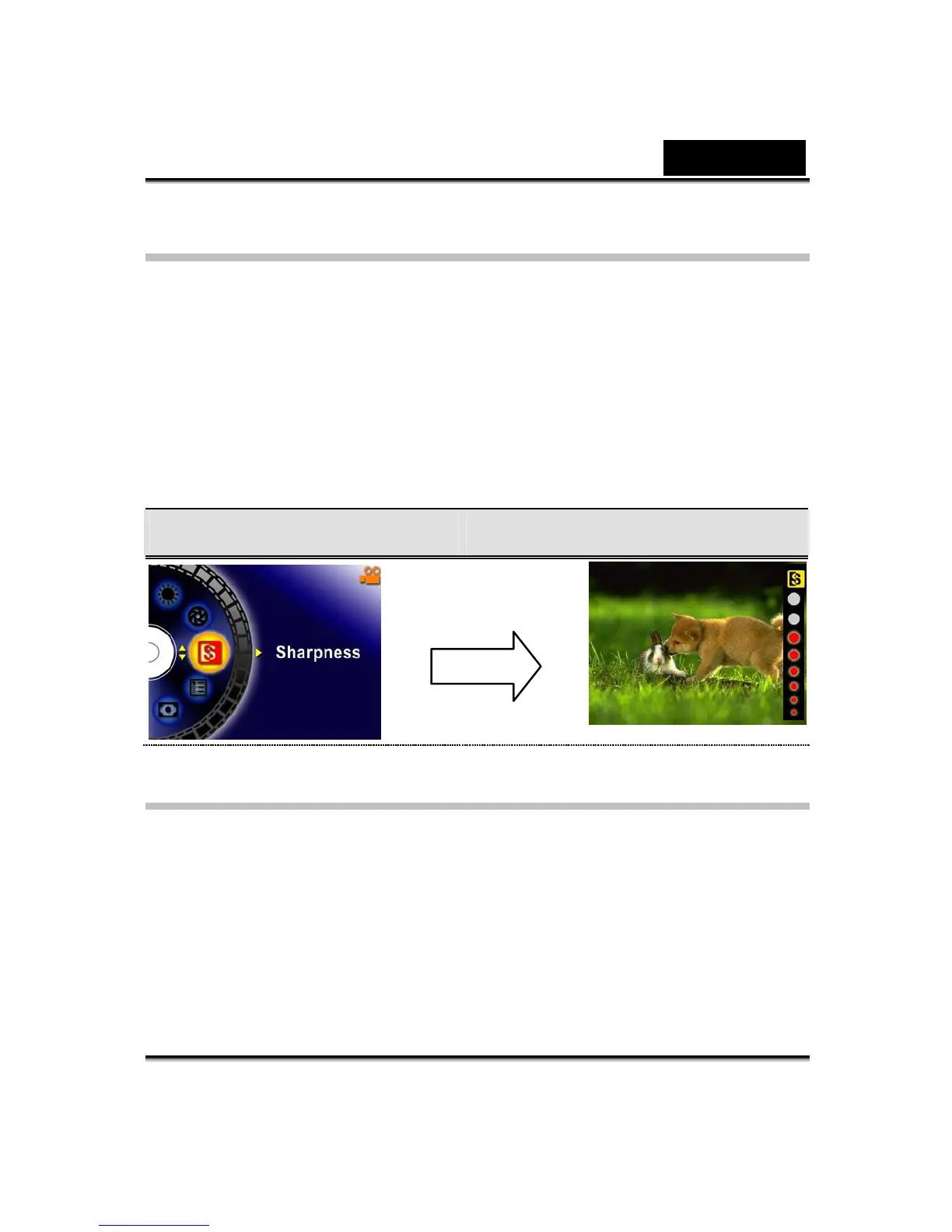
Sharpness
Your can soften and sharpen images to achieve different effects.
To change Sharpness setting:
1. In Movie/Picture Record Mode, press the Enter button to switch to menu screen.
2. Use the Up/Down buttons to select Sharpness then press the Enter/Right
buttons to switch to Sharpness submenu.
3. Use the Up/Down buttons to move between nine levels. The change can be
previewed immediately.
4. Press the Enter button to validate the setting and exit.
Display Screen Change Sharpness Setting
Setting
The Setting submenu contains seven options for configuring your Digital Video
Digital Video Camera set up.
To change advanced setting:
1. In Movie/Picture Record Mode, press the Enter button to switch to menu screen.
2. Use the Up/Down buttons to select Setting then press the Enter/Right buttons to
switch to Setting submenu.
3. Use the Up/Down buttons to move between seven settings.
Enter Button



 To Next Page