English
-31-
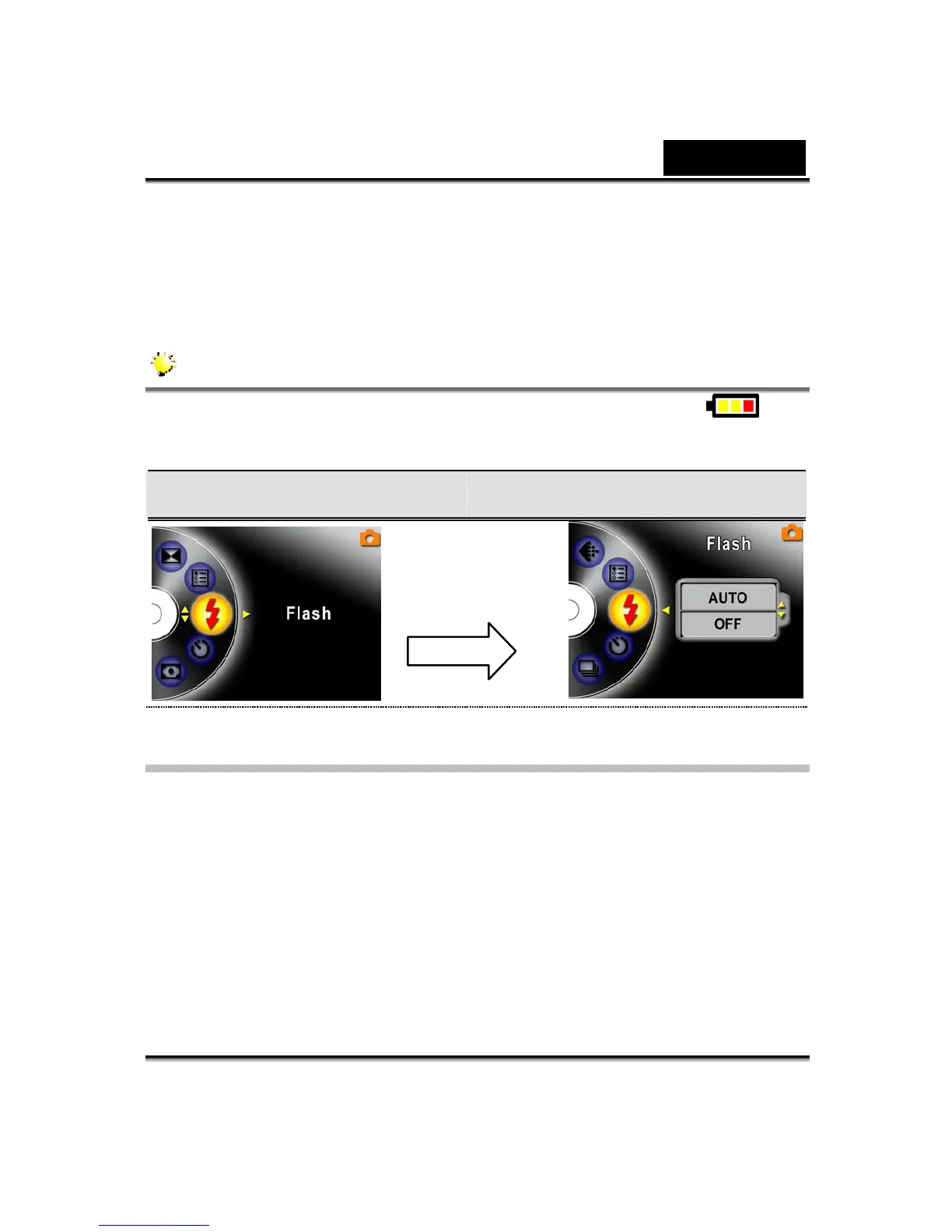
2. Use Up/Down buttons to select Flash, then press the Enter/Right buttons to
switch to flash submenu.
3. Use the Up/Down buttons to move between two settings.
4. Press the Enter button to validate the setting and exit.
NOTE
The flash will be disabled automatically when battery power is low ( )
Flash Flash Options
Self-Timer (Picture Record Mode Only)
The self-timer allows you to take pictures with a ten-second time delay. To activate
the Self-Timer with either the hot key (Left button) or Option Setting. The self-timer
LED on the front of the Digital Video Digital Video Camera beneath the flash light
will also blink. The speed of blinking will increase just before the picture is taken.
Enter Button



 To Next Page