English
-57-
Section 8
Transferring Data to a Computer
Installing the Data to a Computer
Before connecting this Digital Video Camera to a computer for the first time, you
should install a driver on the computer. The driver is on the CD-ROM disc provided
in the package. To install the driver:
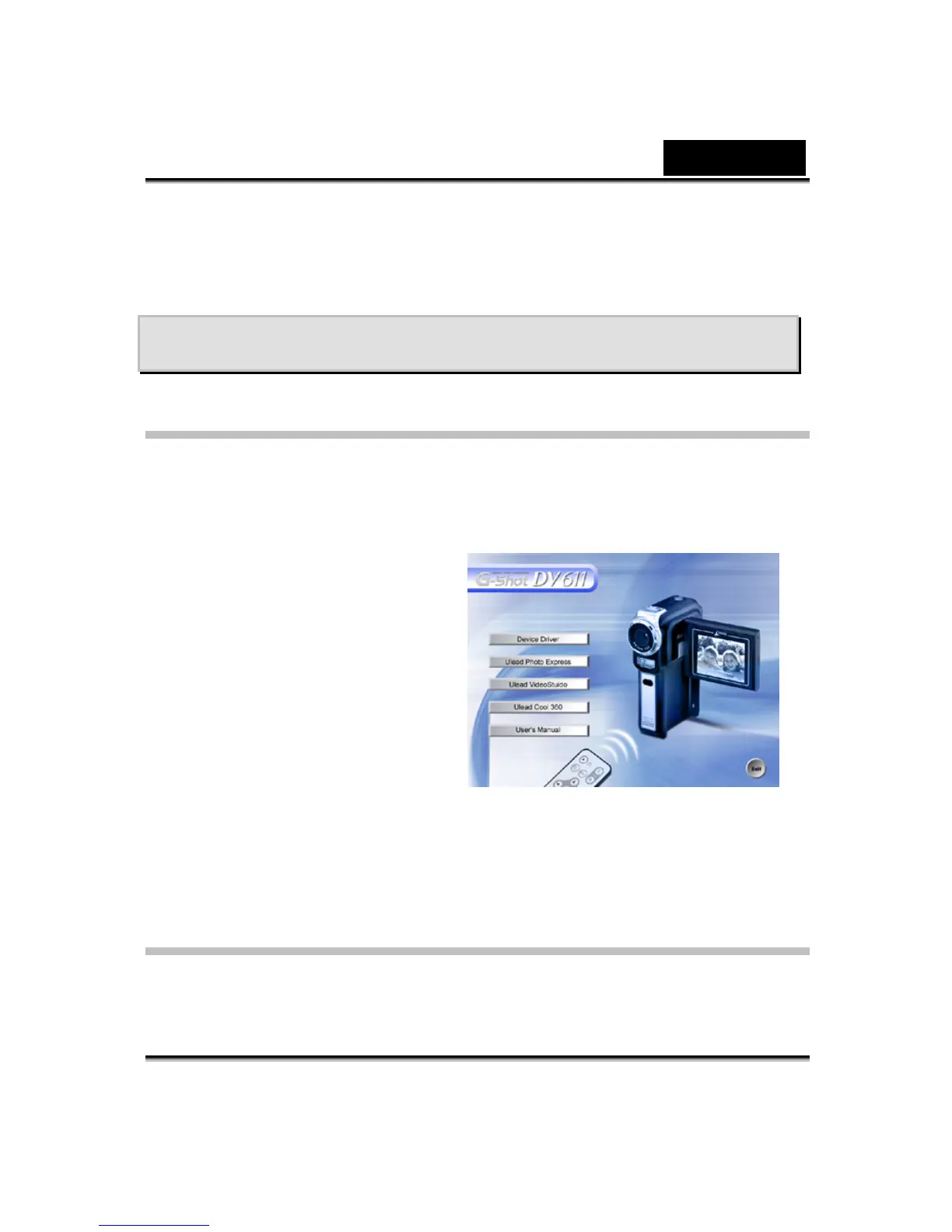
1. Insert the CD-ROM into the
computer’s CD-ROM drive. The
autorun screen will appear.
2. Click “Install Device Driver”.
Follow the on-screen instructions
to complete the installation.
Depending on your operating
system, you may have to restart
your computer after installing the
driver.
Connecting Your Digital Video Camera to
a Computer
You can transfer pictures, movies or voice recordings stored on your Digital Video
Camera to a computer and send them by emails to friends or post them on



 To Next Page