English
-37-
Button Functions
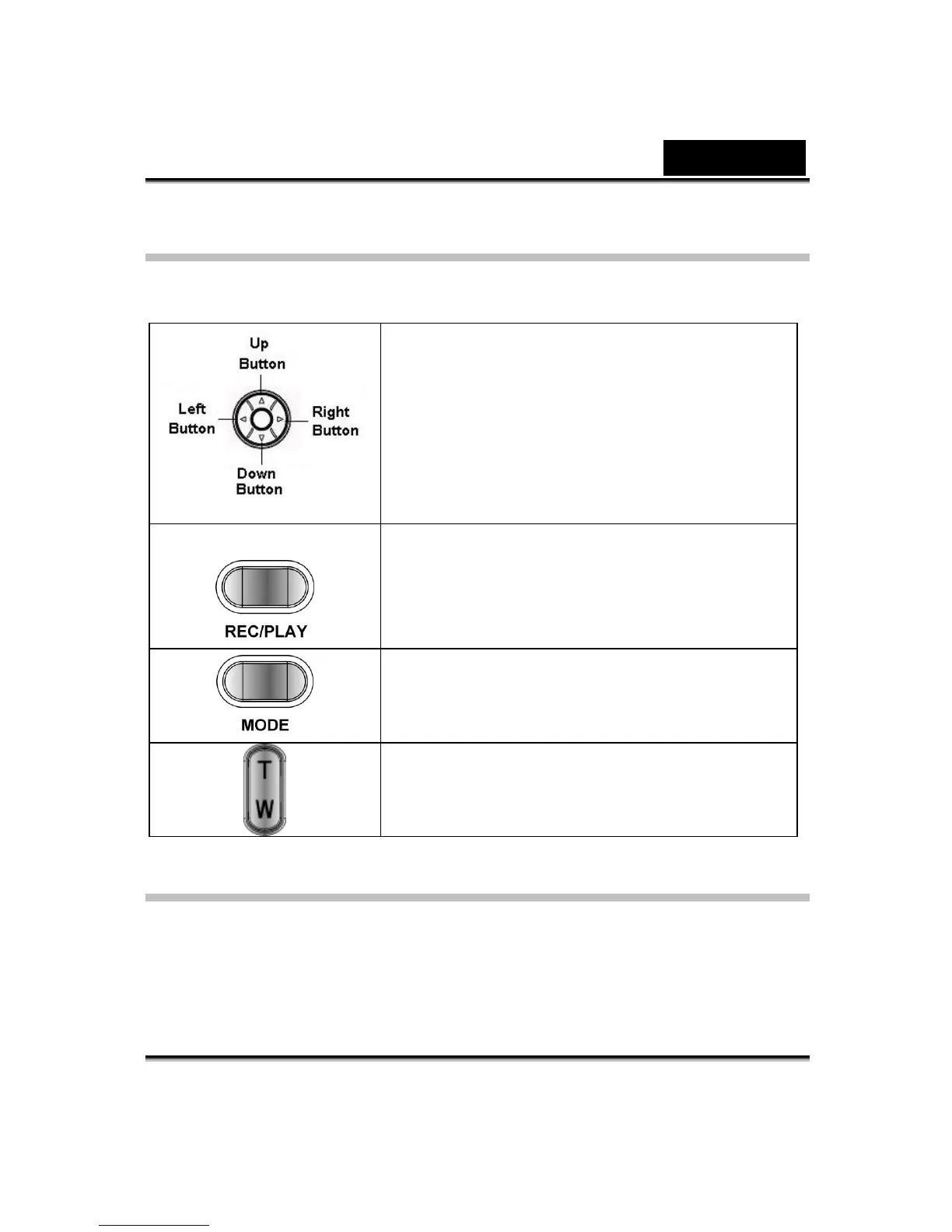
The direction buttons have the following functions in Movie and Picture Playback
Modes.
Right button: Go to the next movie/ picture.
Left button: Go to the last movie/ picture.
Up button : Invalid
Down button: Information ON/OFF
Enter button: Enter to movie, picture, voice, or
music option menu.
REC/PLAY button: Switch to movie/ picture
Record Mode.
Mode button: Go back to playback main menu.
Tele-Wide button: Digital Zoom in and out.
LCD Monitor Information
Indicators on the LCD screen while in Playback Mode:



 To Next Page