English
-26-
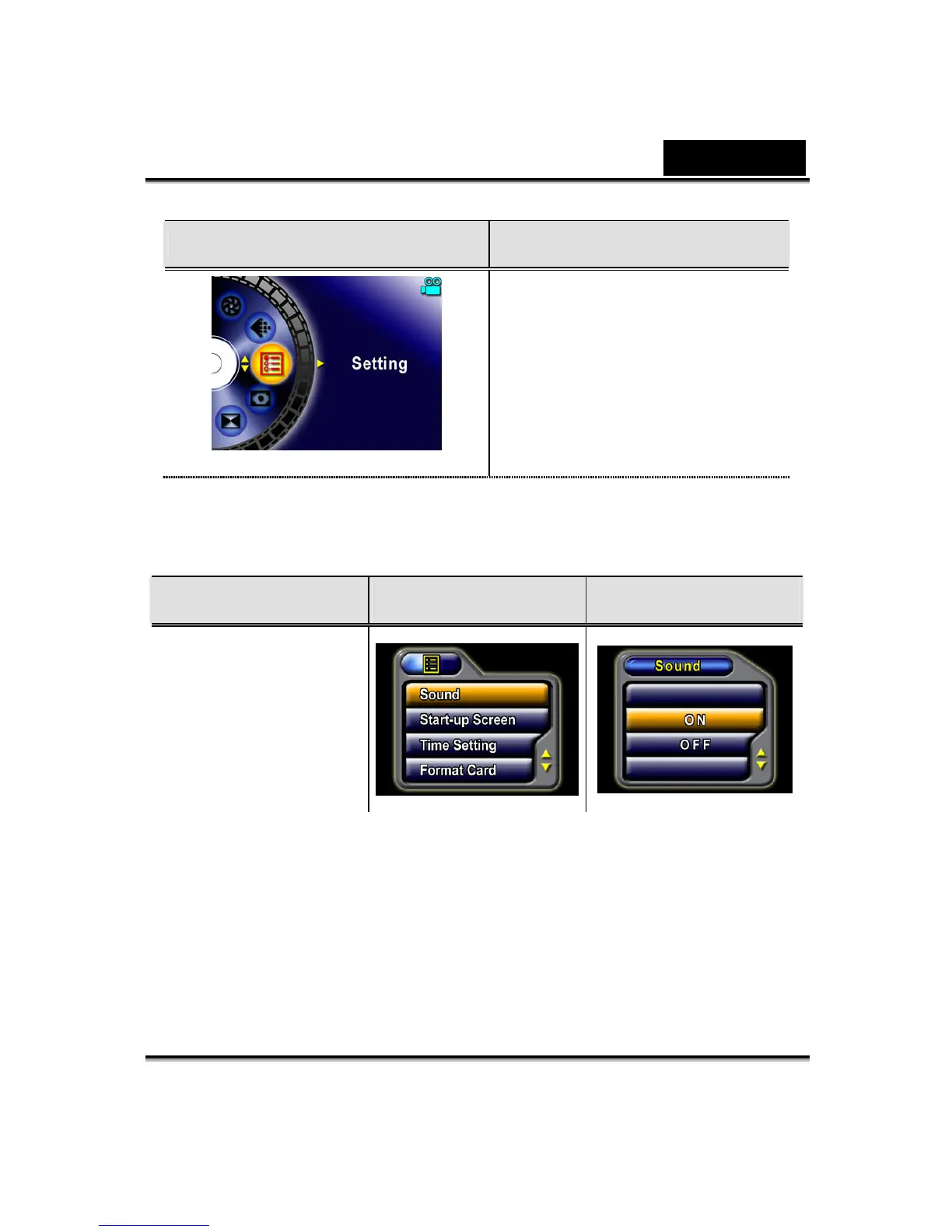
Display Screen Setting Option
Seven options:
1. Sound (operation sound)
2. Start-Up Screen
3. Time Setting
4. Format Card
5. TV System
6. Language
7. Default Setting
nSound Setting
Enable or disable KeyPad tone and operation sound by using the Up/Down
buttons, and then press the Enter button to validate the setting.
Submenu Display Screen Sound Setting
Sound
oStart-up Screen
Customize the Start-Up Screen with your favorite pictures. Press the Up/Down
buttons to select the picture you want and press the Enter button to validate the
setting and exit.



 To Next Page