English
-7-
Turning the Digital Video Camera off
To turn off the Digital Video Camera, you can either press or hold the power button
for one second, or you can place the panel back to its original position.
Section 3
Record Mode
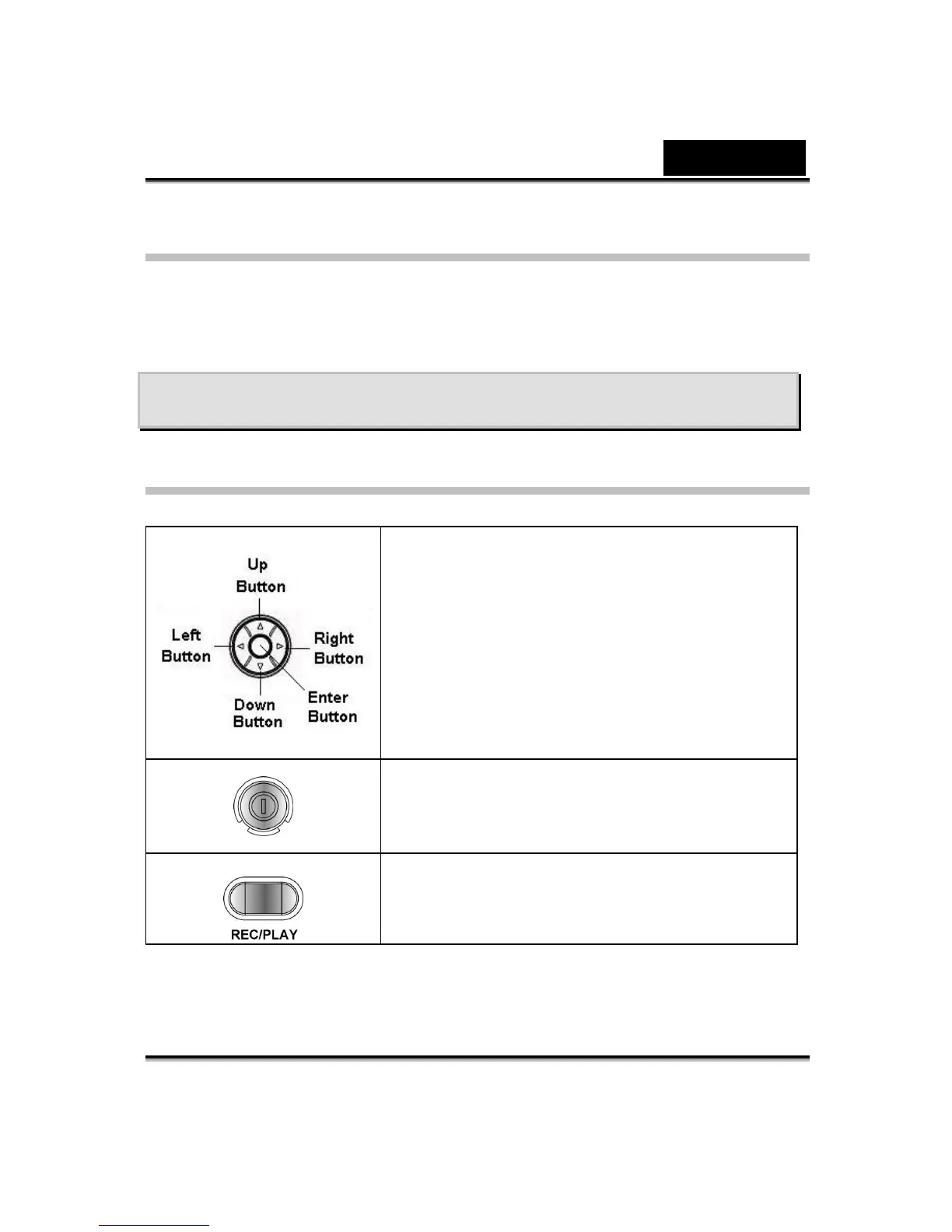
Button Function
Right button : Flash AUTO/OFF
Left button :Self-Timer ON/OFF
Up button : Invalid
Down button: LCD Information ON/OFF
Enter button : Menu ON
Power button: Press down for one second to turn
on or turn off the Digital Video Camera.
REC/PLAY button: Switch between Record Mode
and Playback Mode.



 To Next Page