English
-4-
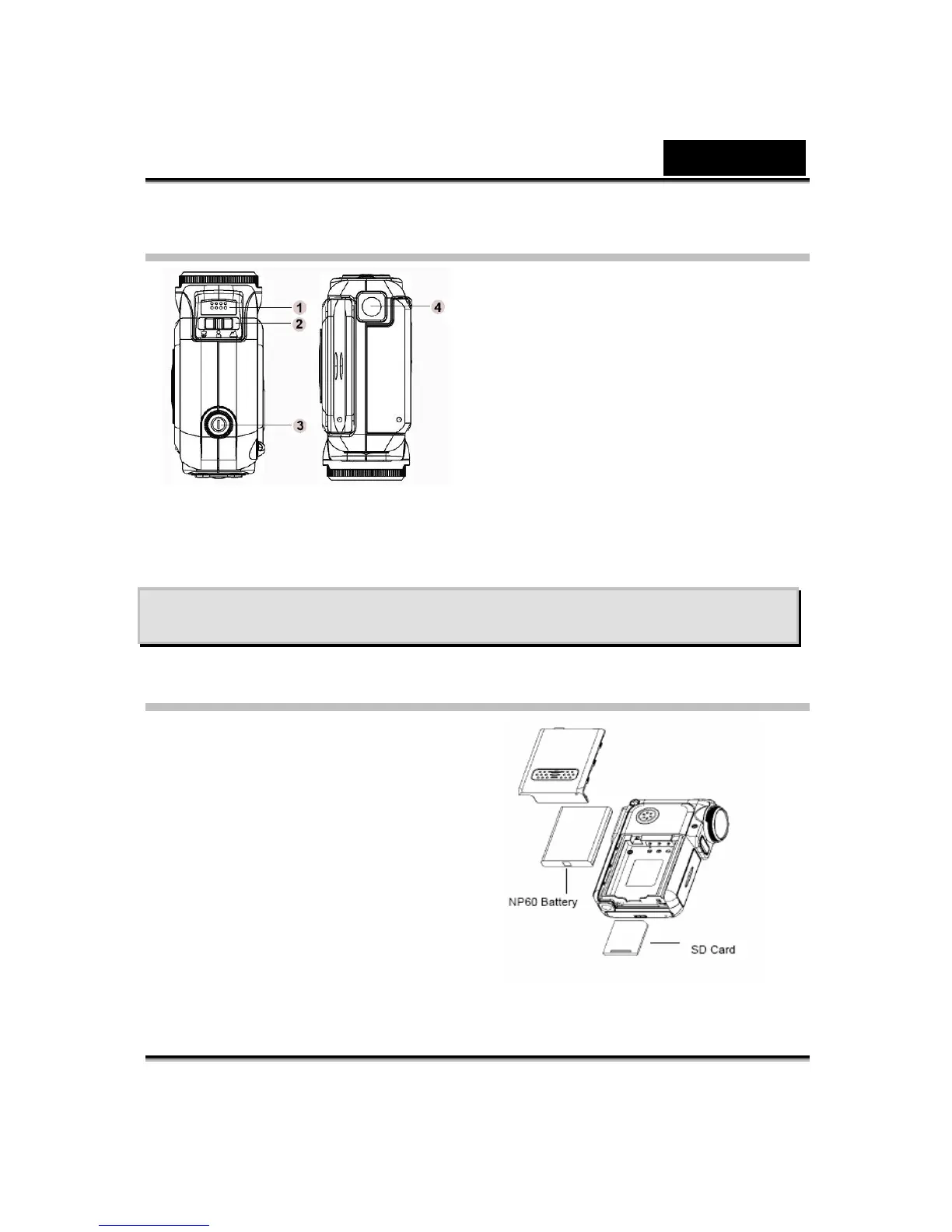
Top/Bottom View
1. Microphone
2. Macro/Portrait/
Landscape
Switch
3. Power Button
4. Tripod Mount
Section 2
Getting Up and Running
Loading the Battery
Before using the Digital Video Camera,
you must load a NP60 rechargeable
Li-ion battery.
1. Follow the arrow direction and slide
to eject the battery / SD cover.
2. Face the battery up with letter side
upward. Follow the battery injection
direction according to the correct
polarity marks ( + or -) and plug the
battery into Digital Video Camera.
3. Close the battery/SD Card Cover
firmly.



 To Next Page