English
-41-
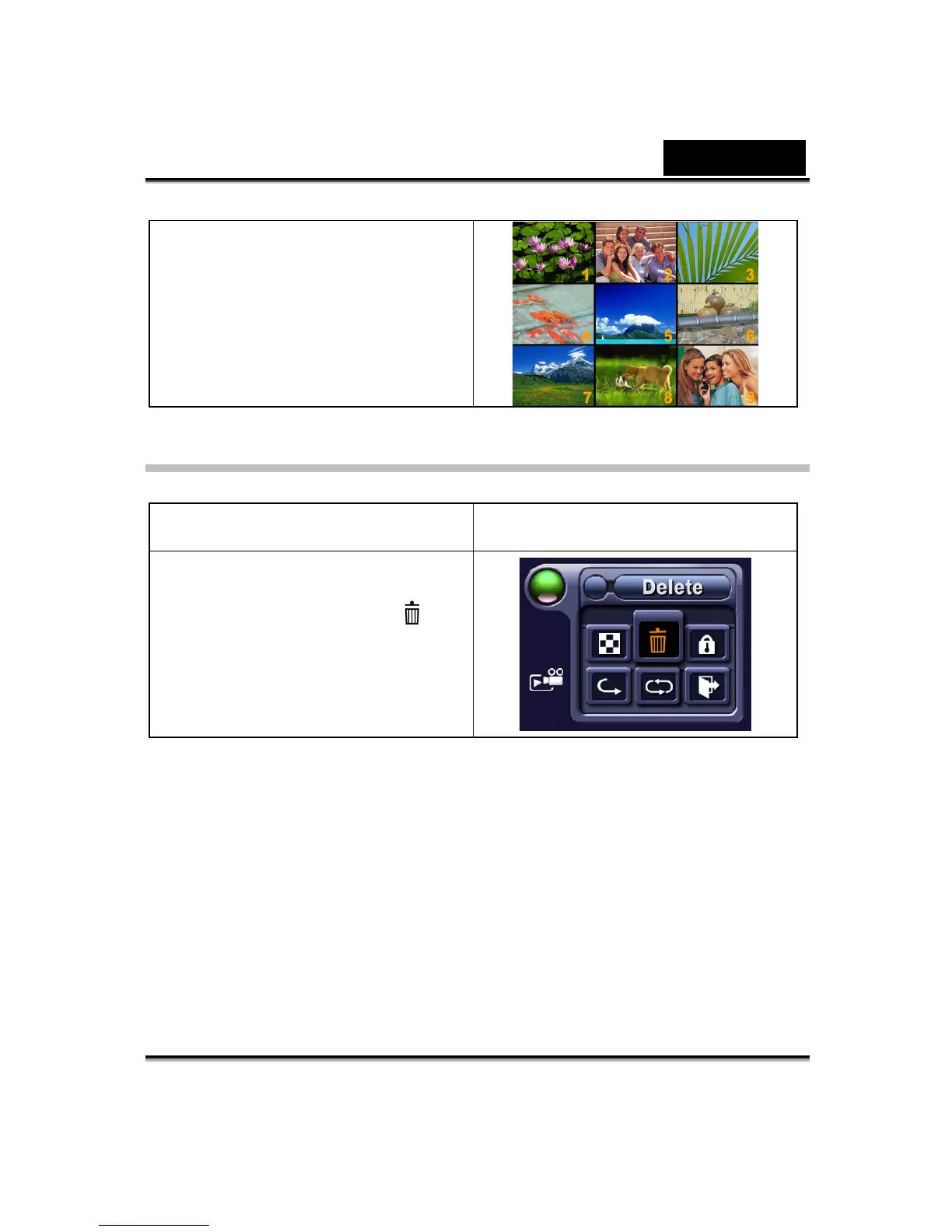
2. Press the Enter button to view
nine thumbnail movies.
3. To play a movie, use direction
buttons to select the movie and
press the Enter button to view.
Delete Movies
Operation Display Screen
1. Use the direction buttons to
select the Delete option (
).



 To Next Page