English
-17-
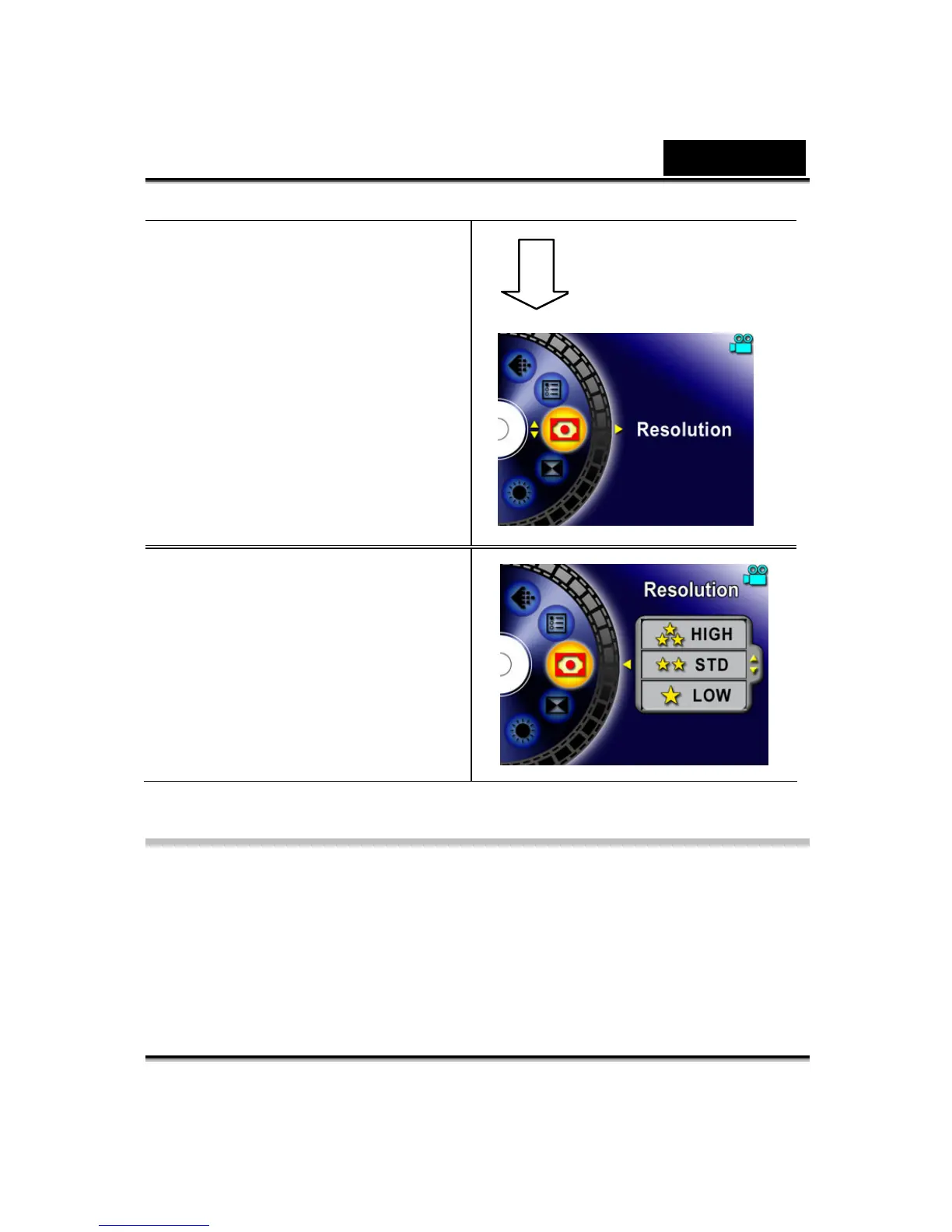
2. There are total of six options
in Movie Record Mode and
twelve options in Picture
Record Mode.
3. Use the Up/Down buttons to
move between main menu
options.
4. Press the Enter/Right
buttons to enter submenu of
main option you select.
5. Press the Left button to exit
main menu.
Default Setting and Validation
The following table indicates the Digital Video Digital Video Camera’s default
settings as well as its validation.
1. Always: The setting always keeps valid.
2. One Time: The setting is only valid either once or till the Digital Video Digital
Video Camera power off.
Enter Button



 To Next Page