English
-19-
Record Submenu Setting
Record submenu includes Digital Video Digital Video Camera setting and other
advanced setting. You can use Up/Down buttons to move between options and
press Enter button to validate the setting.
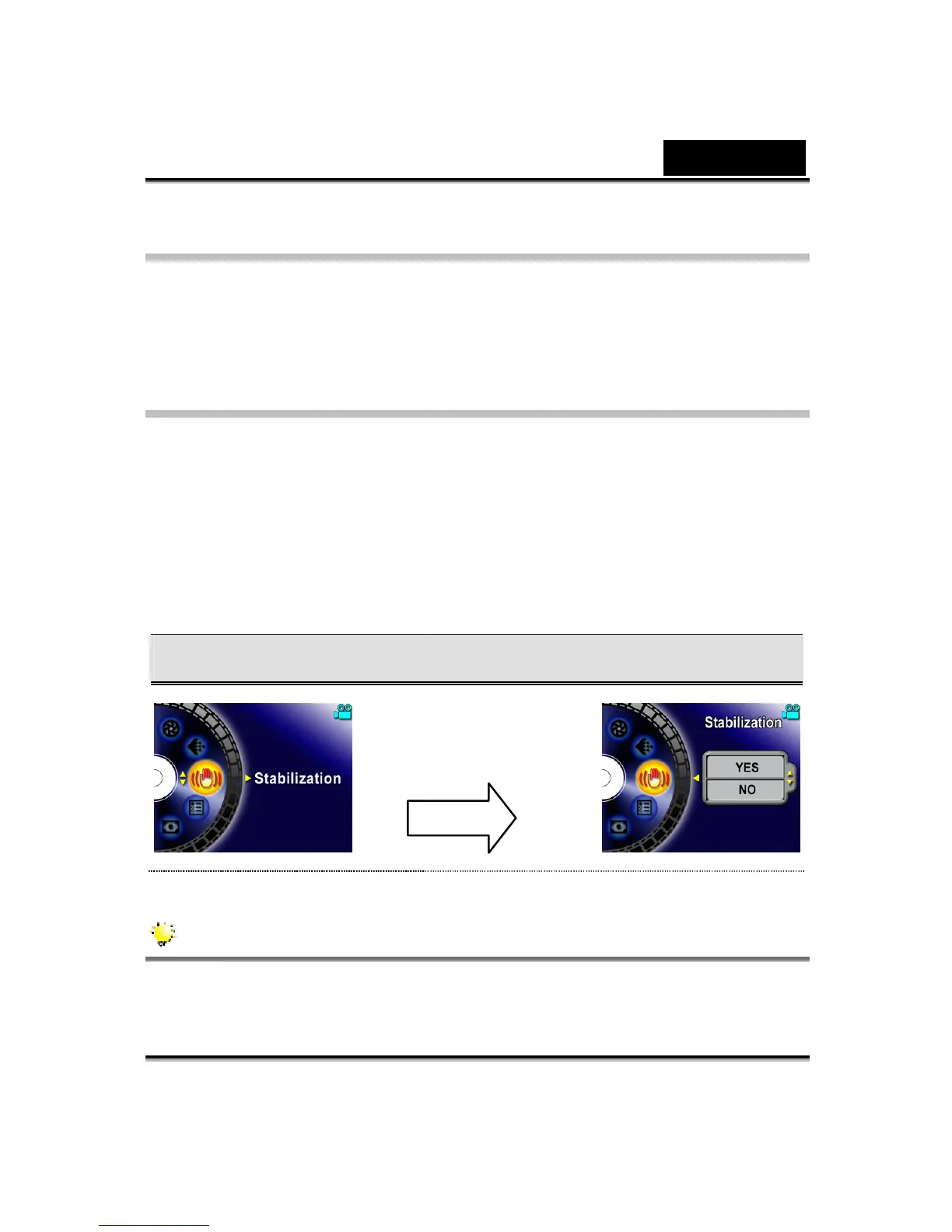
Motion Stabilization
To enable Motion Stabilization:
1. In Movie Record Mode, press Enter button to switch to Movie menu screen.
2. Use Up/Down buttons to select Motion Stabilization then press Enter/Right
buttons to switch to Motion Stabilization submenu.
3. Use Up/Down buttons to move between two settings.
4. Press Enter button to validate the setting and exit.
Motion Stabilization Motion Stabilization Option
NOTE
The captured screen will be smaller when motion stabilization is enabled.
Enter Button



 To Next Page