English
-30-
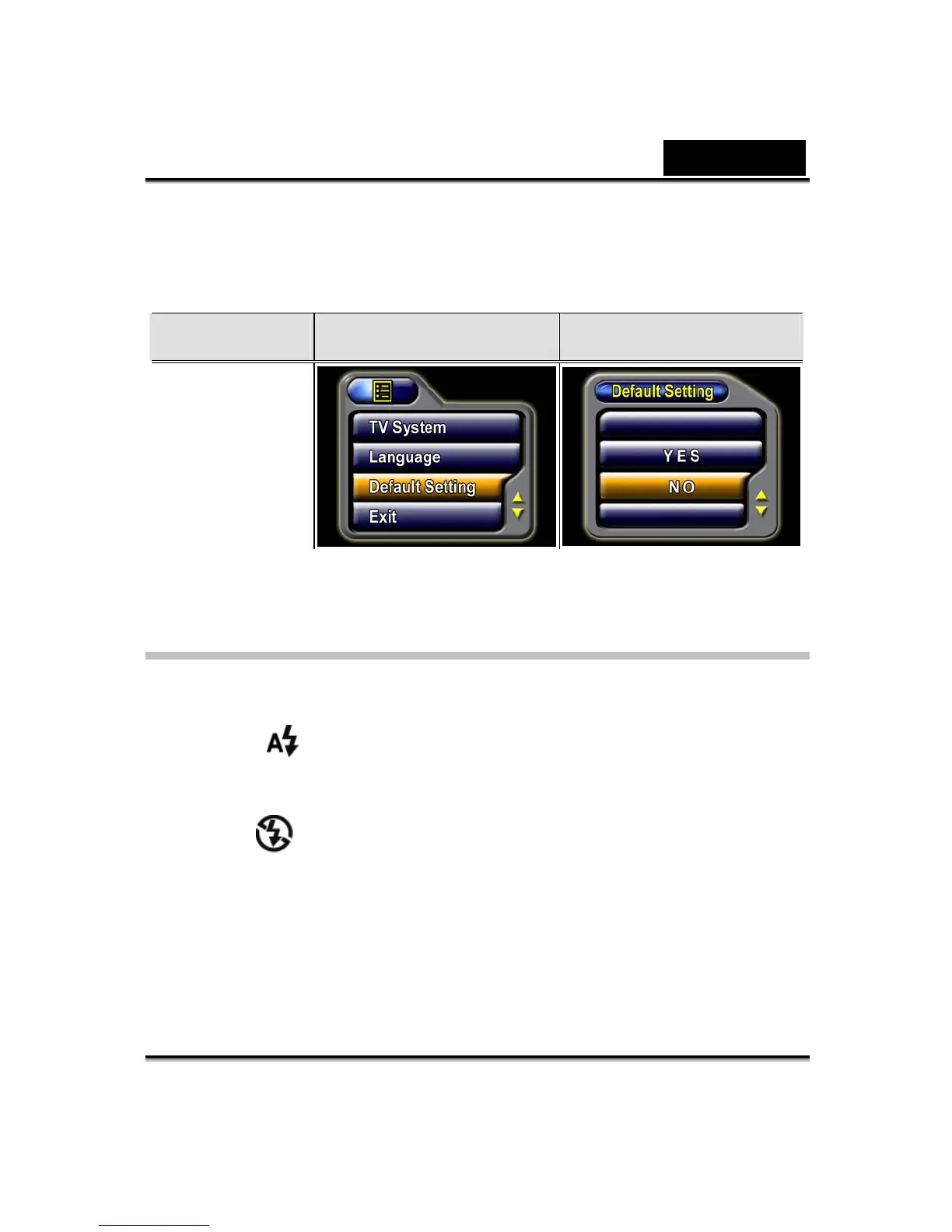
z Select Default Setting by using the Up/Down buttons.
z Select YES or NO by using the Up/Down buttons.
Submenu Display Screen
Default Setting Options
Default Setting
Options
Flash (Picture Record Mode Only)
This Digital Video Digital Video Camera has two flash settings. Change the flash
setting with either the hot key (Right button) or Option Setting.
Auto-flash(
):the flash fires automatically according to lighting conditions.
Use this mode for general photography.
Flash Off(
):the flash will not fire under any circumstances. Use this mode
when taking images in a place where flash photography is prohibited, or when
the subject is distant (beyond the range of the flash).
To change the Flash setting:
1. In Picture Record Mode, press the Enter button to switch to menu screen.



 To Next Page