English
-33-
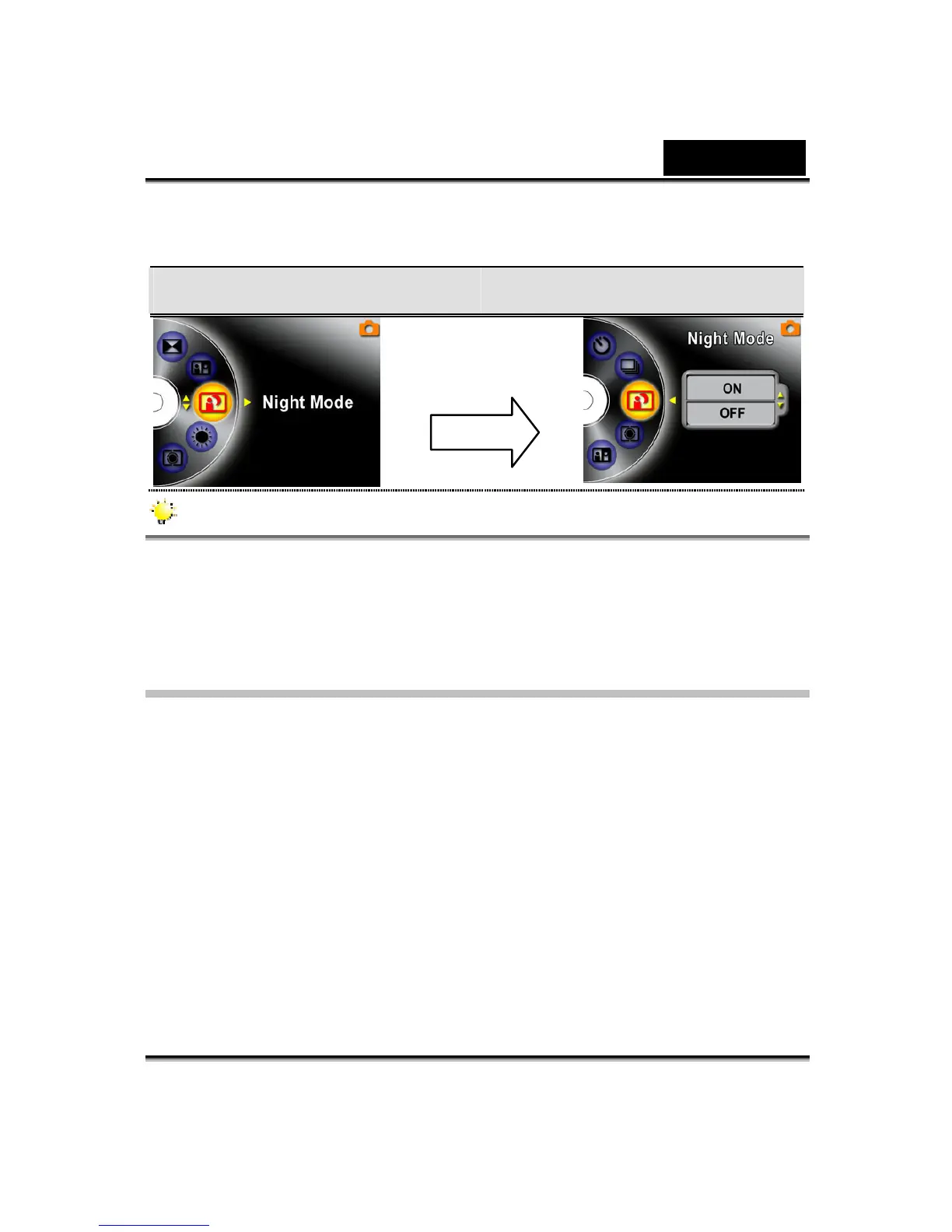
Display Screen Night Mode Option
NOTE
To avoid blurry pictures, place the Digital Video Digital Video Camera on a flat,
steady surface, or use a tripod.
AE Metering (Picture Record Mode Only)
There are three settings which are Multi segment, Center-weighted, Spot AE
Metering.
z Multi-segment: The exposure is determined by the entire screen.
z Center-Weighted: The exposure is determined mainly by the center of the
screen.
z Spot: The exposure is determined by the small area in the center of the screen.
Enter Button



 To Next Page