English
-50-
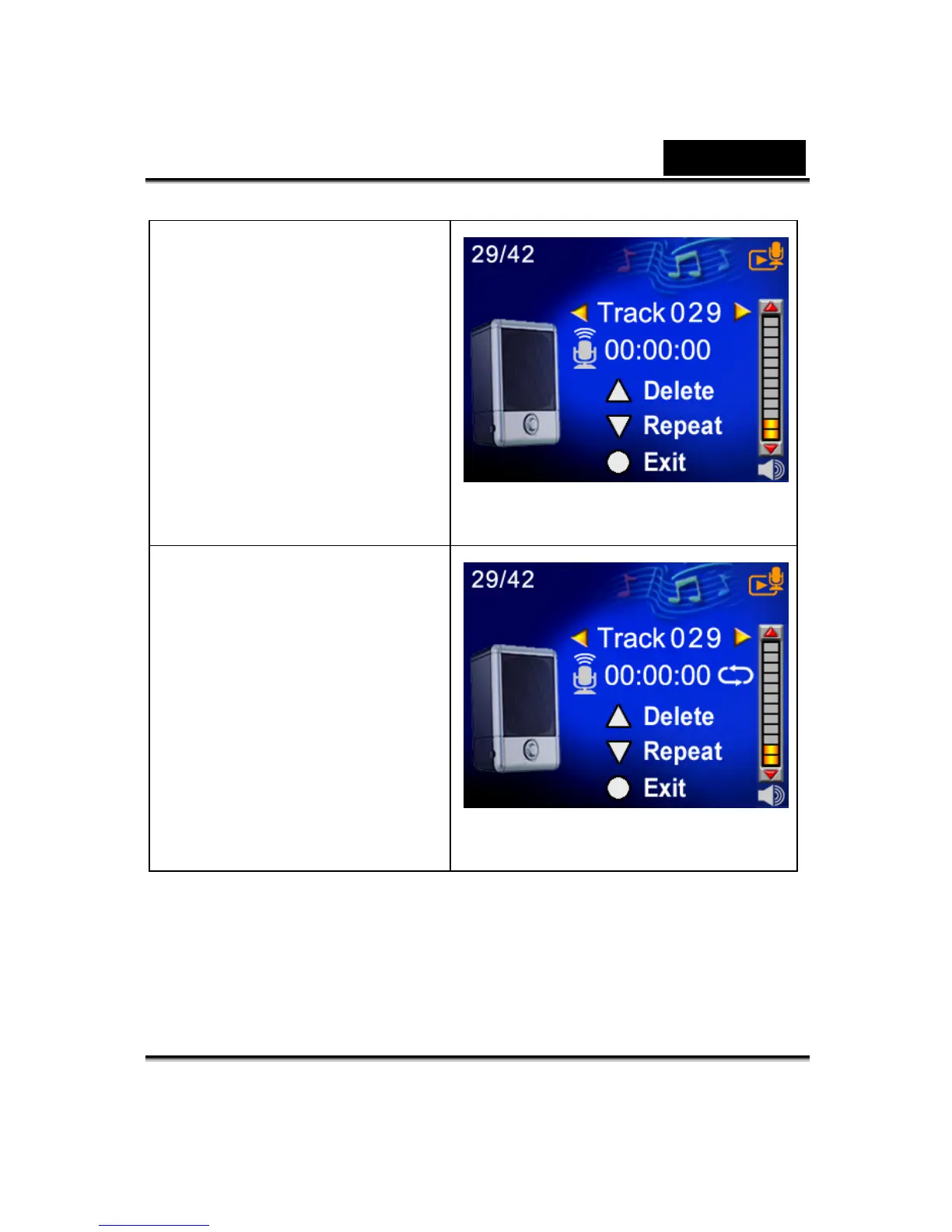
7. Use the Up button to select
the Delete option and Down
button to select the Repeat
option.
8. Press the Up button once to
repeat single voice; Press
twice to repeat all voice
recording.
9. Press it again to disable the
repeat function.
10. The repeat icons will be
different while selecting
Repeat One option and
Repeat All option.



 To Next Page