English
-62-
Getting Started With Photo Express 4.0
z Click StartÆ Select ProgramsÆ Photo Express 4.0
z Photo Express 4.0 main Screen will appear on your desktop.
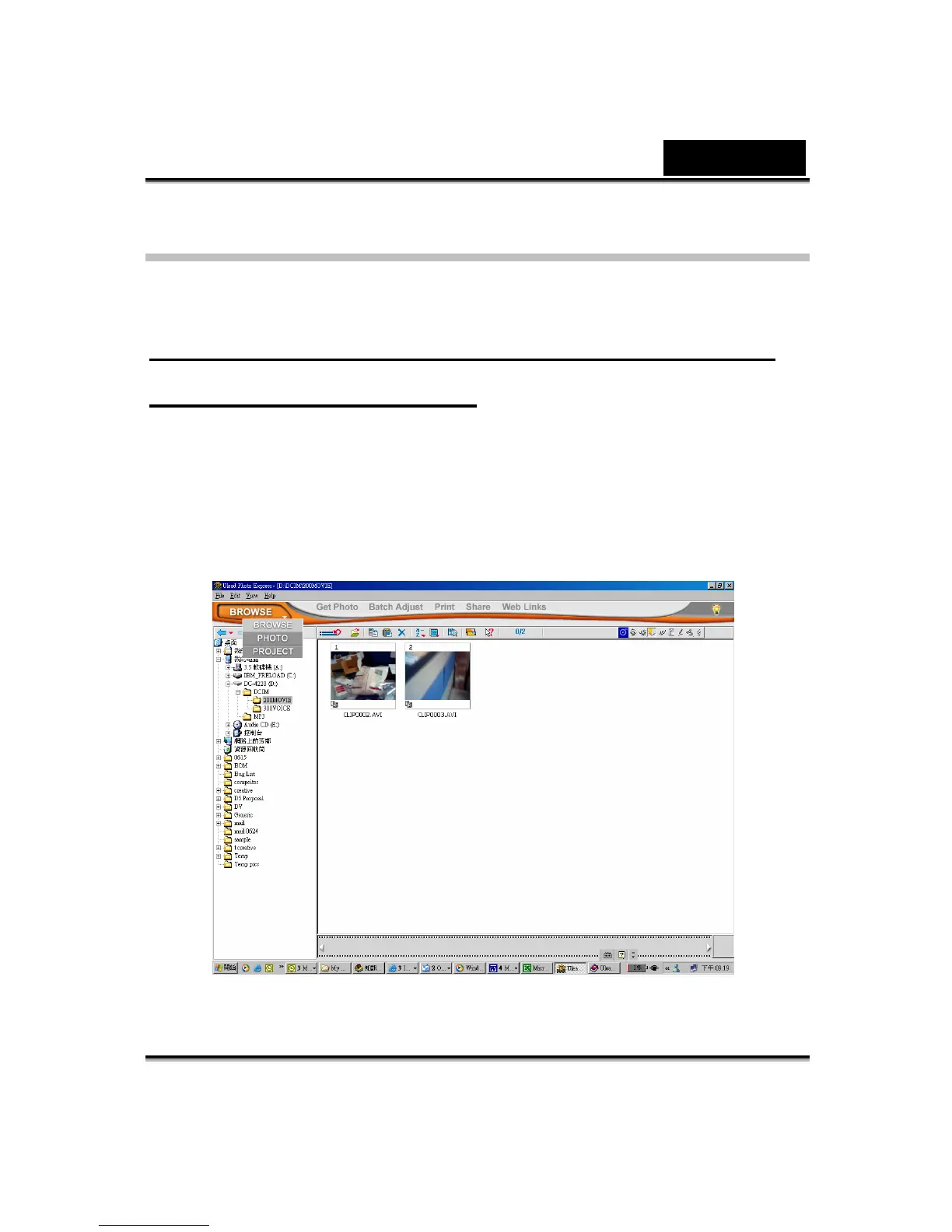
Viewing Images stored in the Digital Video Camera
through Photo Express 4.0
To view images stored in the Digital Video Camera, you must switch to Mass
Storage Device Mode.
1. Select the image you want to open in the workspace from the browse bar on
the left hand side.
2. Double click the selected picture.



 To Next Page