English
-66-
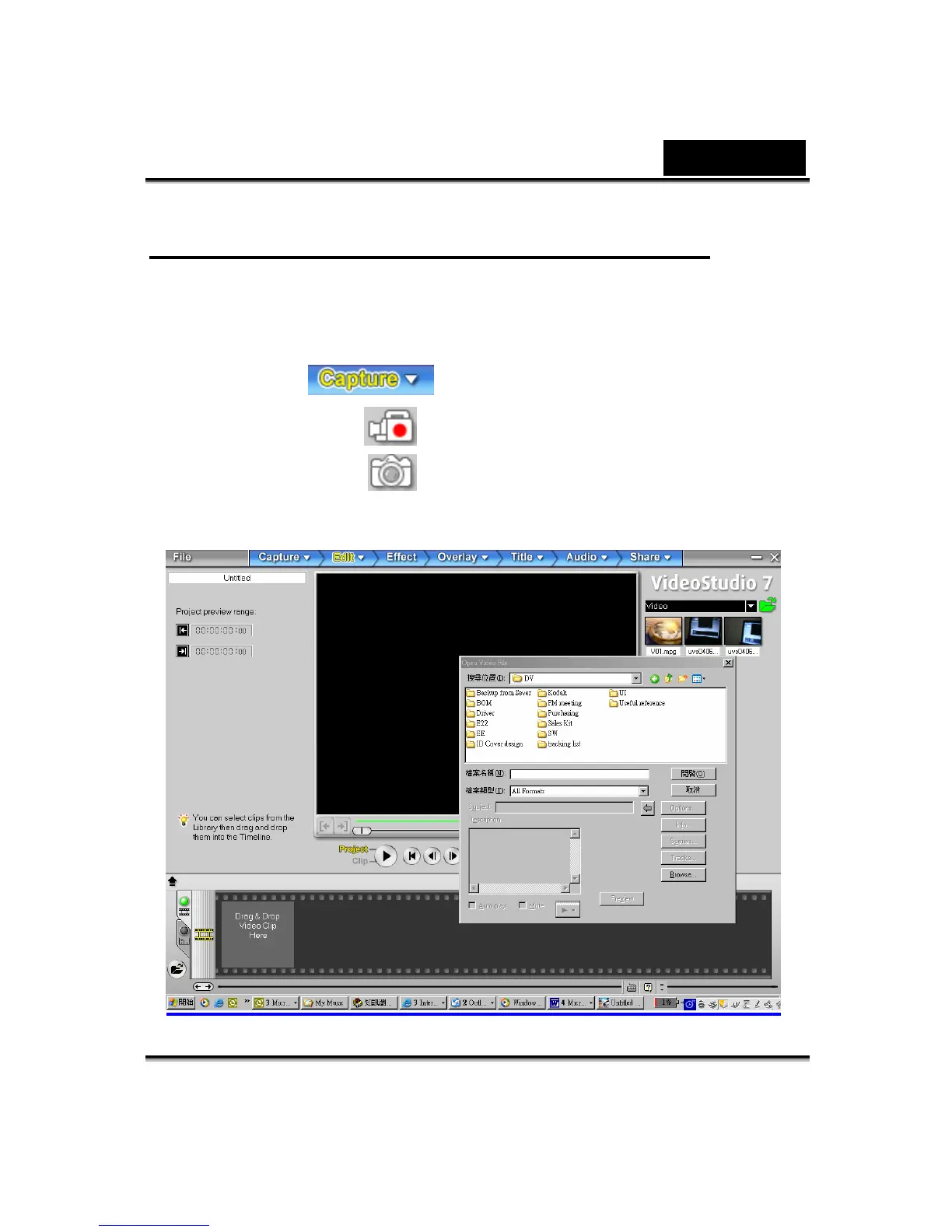
Capturing Video through Video Studio 7.0
Press the MODE button to switch to PC Digital Video Camera Mode. Under this
mode, you can view Digital Video Camera video through Video Studio:
To capture a video/picture from the Digital Video Camera:
* Click the Capture
item.
* Click the [Capture Video
] button.
* Click the [Capture Image
] button.



 To Next Page