15
English
external monitor – if present. If necessary, connect the
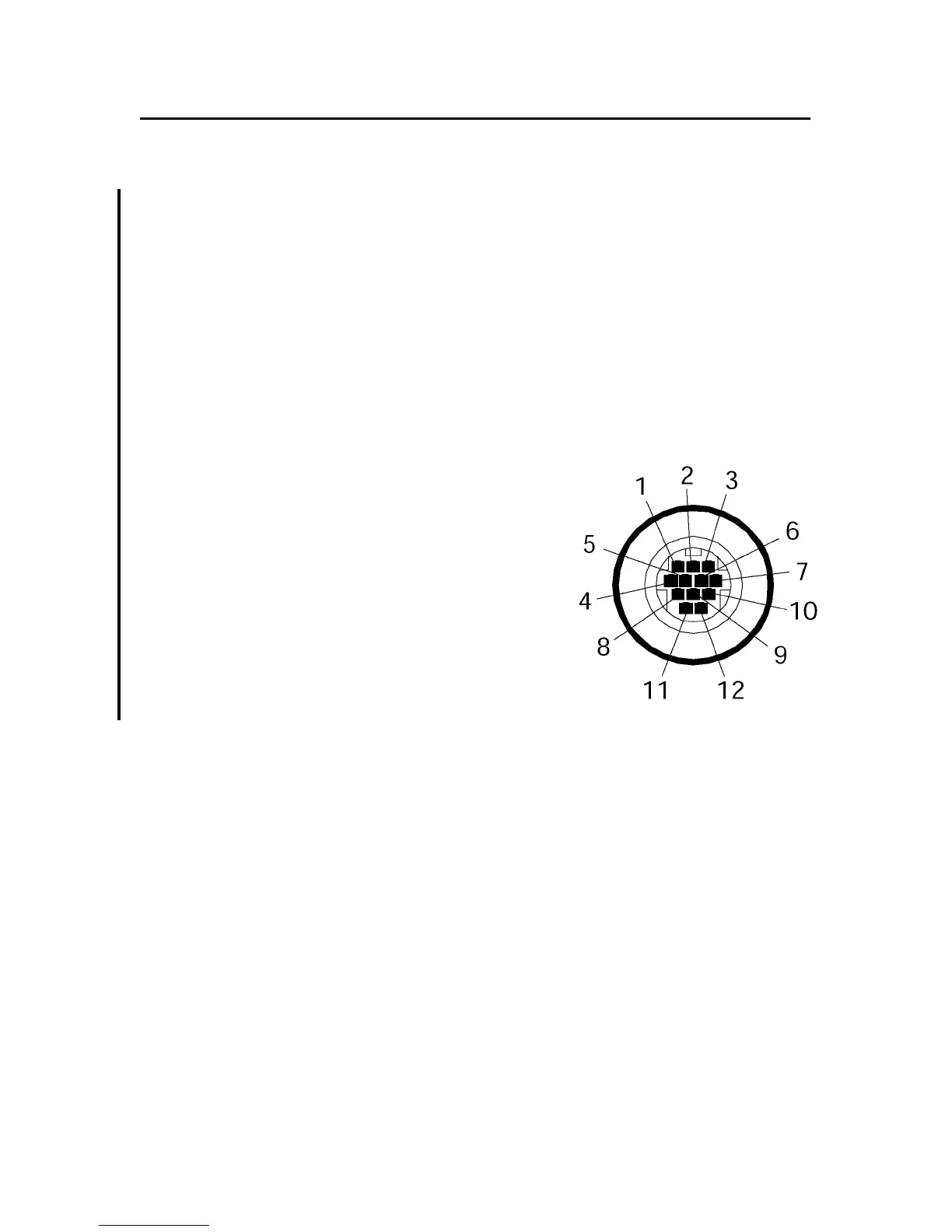
NMEA0183 instruments using the cable end with bare wires,
according to the table below.
To employ the external monitor connected, it is necessary to
enable the video output. Press the GOTO key to display the
menu, then select SETUP and the EXTERNAL SCREEN/ON
option.
NOTE: The 10-pole standard cable equipped with the adapter can still be used,
provided that only the connection to the NMEA0183 external devices is requested.
Power supply
1 +VDC red wire
2 GND black wire
Data input ext. GPS
3 GPS ext. in + brown wire
4 GPS ext. in - yellow wire
Data output
5 Autopilot out + violet wire
6 Autopilot out - white wire
SHIELD GND (earth)
USB cable
The GEONAV can be connected to a Personal Computer by
using the optional USB cable. In this case, the unit can use
the internal batteries only, and cannot be powered by the ex-
ternal power.
XS



 To Next Page