37
English
RANGE WINDOW
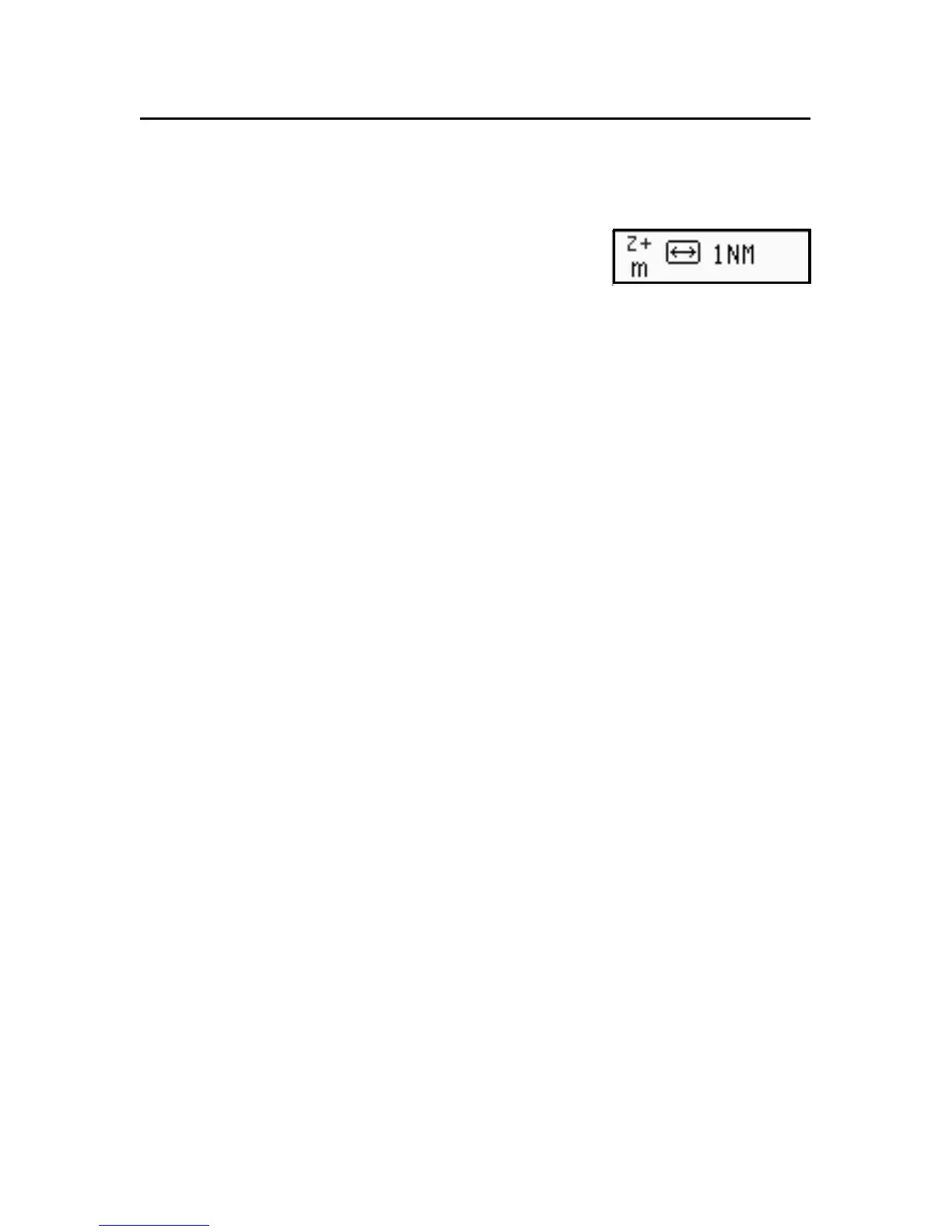
This window, always present, shows the
following information:
• Zoom status (top left corner):
- Z+ means the chart can be further enlarged by pressing
ZOOM+;
- no indication means the chart is shown at the best pos-
sible level;
- OVZ means the chart is shown in Overzoom mode, i.e.,
it is overzoomed without adding any further graphic de-
tail.
• Chart range (right hand side), ranging between 4096 NM
and 1/8 NM. The icon aside means that the range matches
the overall screen width.
• Units of measurement for depth and heights (left hand
side):
- meters (m)
- feet (ft)
- fathoms (fa)
To change the units, press the GOTO key, then select SETUP,
DEPTH UNITS and choose the units desired.
Range Window



 To Next Page