53
English
Track
TRACK
The Track function allows re-
cording the track actually fol-
lowed by the boat. The Track
function can be enabled and dis-
abled several times during navi-
gation.
Starting a track
To enable the Track function,
press the GOTO key to display the
menu bar, select TRACK, START
and press ENTER to confirm. A
small circle on the boat’s posi-
tion will indicate the track start-
ing point.
Stopping a track
To disable the Track function, press the GOTO key to display
the menu bar, select TRACK, STOP and press ENTER to con-
firm.
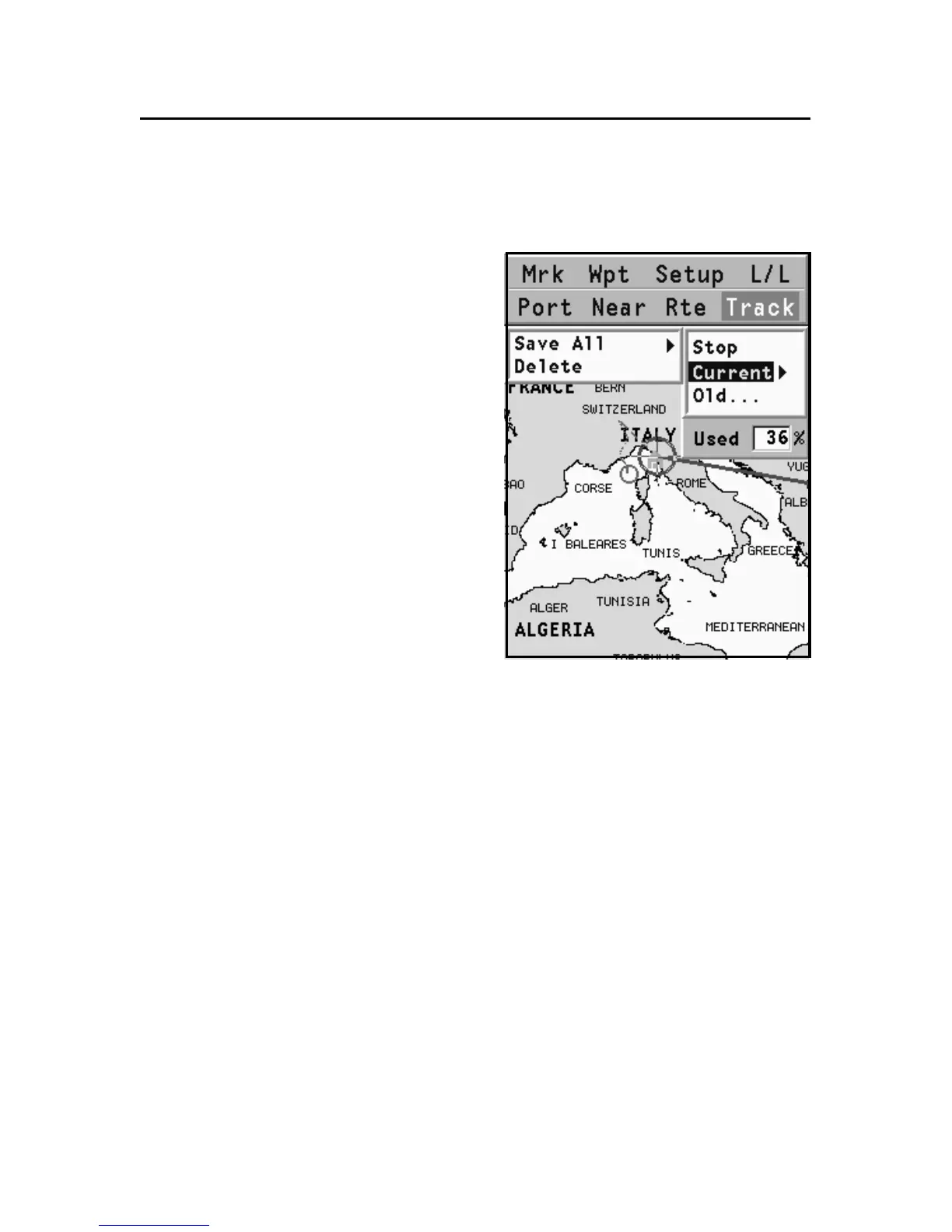
Storing a track in the CompactFlash™
Press the GOTO key to display the menu bar, select TRACK,
CURRENT, SAVE ALL and press ENTER to confirm. Use the
CURSOR key to change the default file name and press ENTER to
confirm the operation.
A message will confirm that the track has been stored cor-
rectly. Once stored, the track will disappear from the screen.
Each time a track is stored in the CompactFlash™, the plotter’s
memory is cleared and the indicator of memory used in the
TRACK menu is reset to 0%.



 To Next Page