46
English
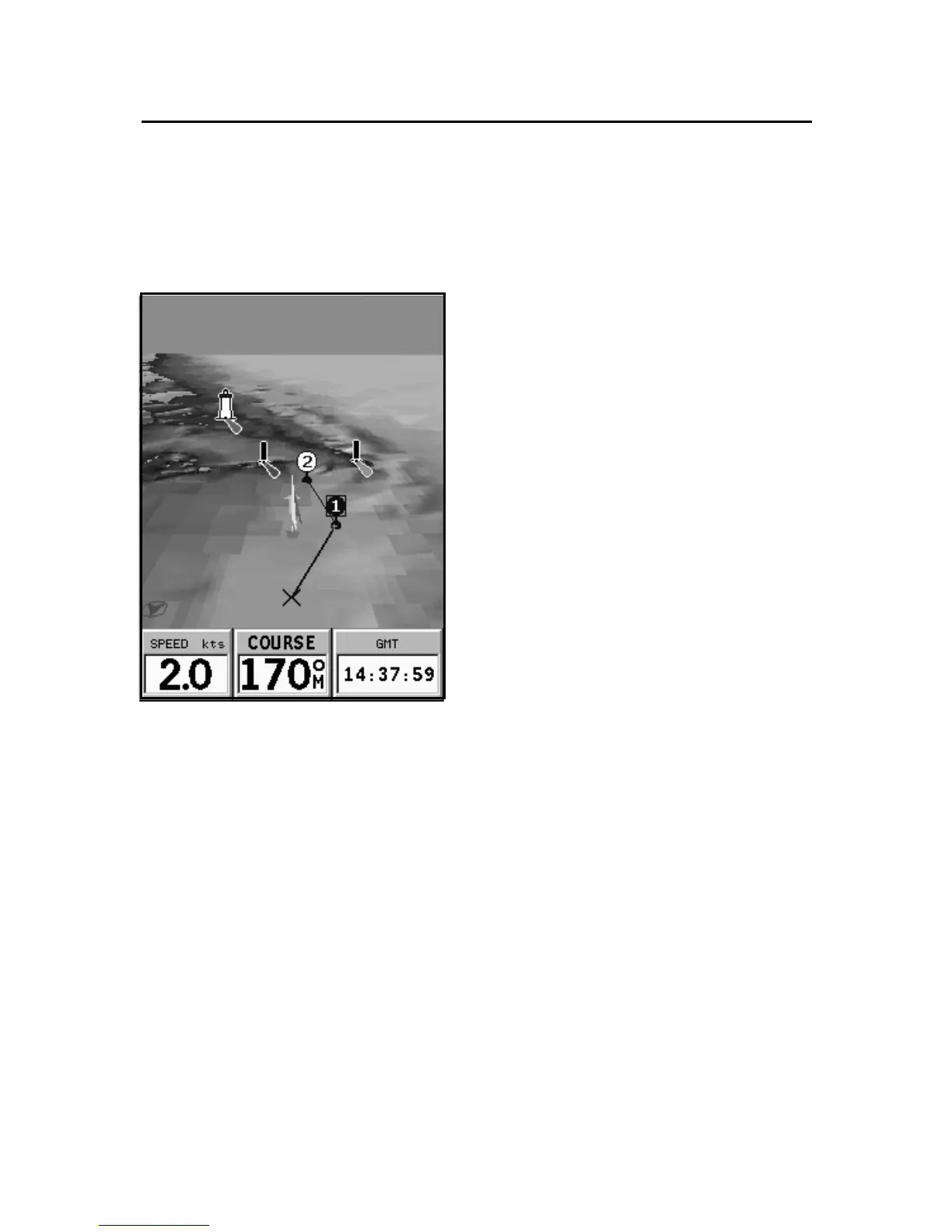
3D Window
3D WINDOW
NOTE: This function is available only with the NAVIONICS Platinum™ cartridges.
This window allows displaying
a 3D chart image of the area sur-
rounding the current boat’s po-
sition.
Press the PAGE key repeatedly to
display the 3D navigation win-
dow, then use the CURSOR key to
move the viewing angle and the
ZOOM key to enlarge or reduce the
image.
The ENTER key allows to raise the
view point and rotate the view.
Press ENTER once or twice to
switch from one function to an-
other.
To choose the level of detail of the items to display, as well as
the quality of the picture, press GOTO to display the menu,
select SETUP, then 3D WINDOW and edit the options as de-
sired.



 To Next Page