40
English
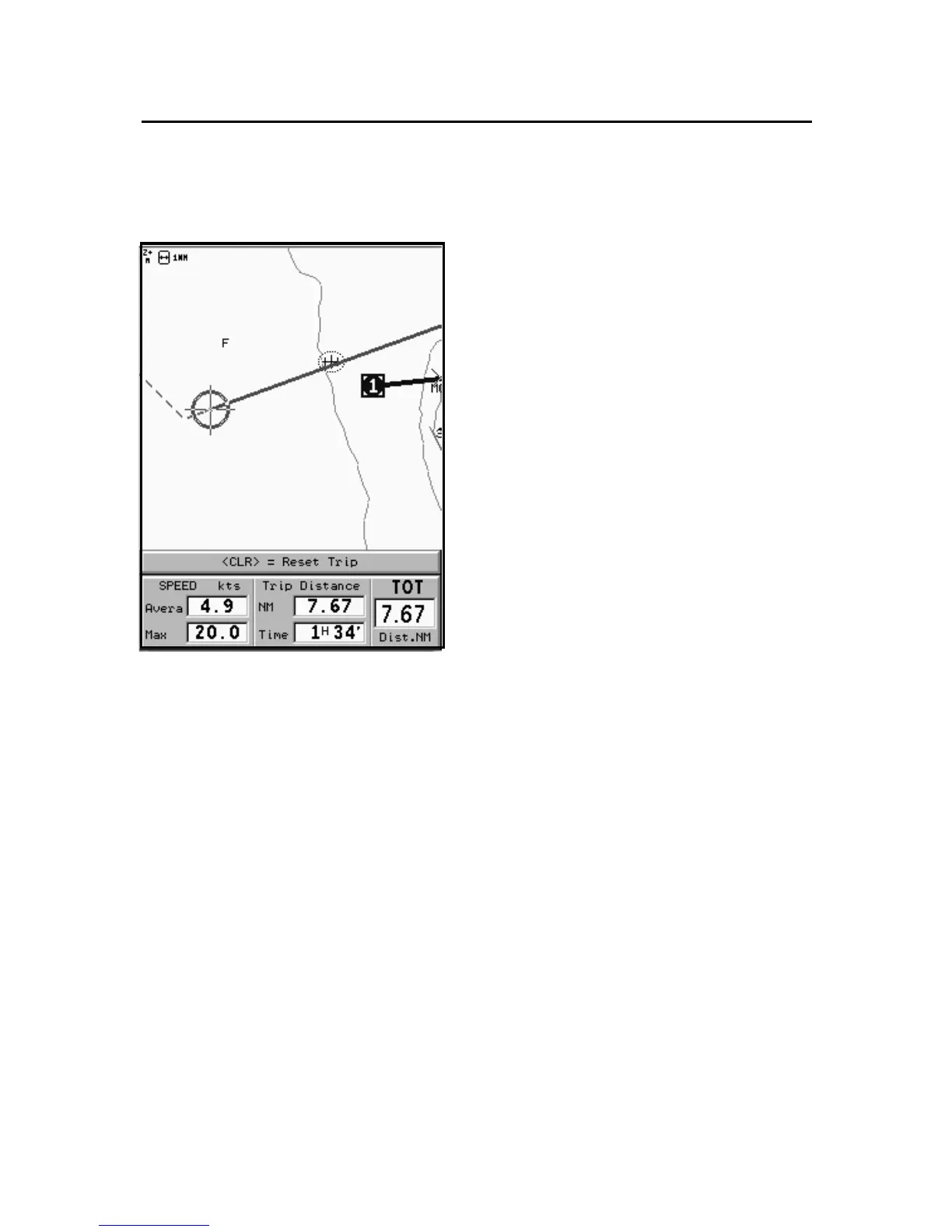
TRIP WINDOW
The trip window shows the data
relating to the route followed and,
in particular:
• Average speed
• Time elapsed from departure
• Partial distance covered
• Total distance covered
To reset partial counters before
starting a new journey, press
CLR.
Trip Window



 To Next Page